Product update
Improved help and feedback hub
From the account menu, staff submit questions, bugs, and feature ideas with screenshots, search past requests, and see unread replies.
When something breaks—or you wish the product did more—you should not hunt for an email address.
Why we built it
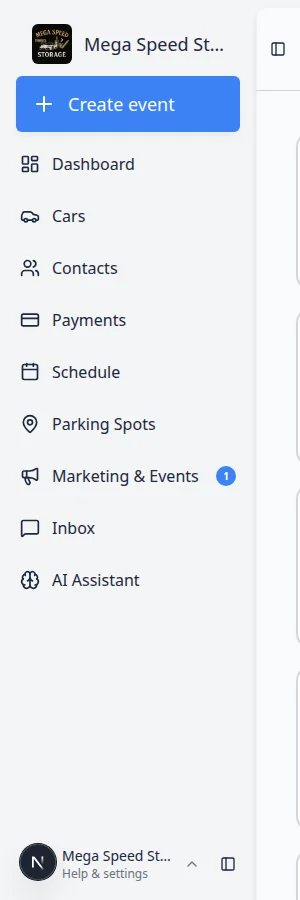
The in-app Help & feedback hub (account menu in the dashboard) replaces scattered “email support” moments with one place to work with the team. Choose Question, Bug report, or Feature request, describe what you need, and attach up to five screenshots (paste or drop, up to 10 MB each). Context from your session travels with the ticket so engineering can pick it up as a tracked issue. Search and browse earlier requests, follow status and replies, and use the unread indicator when something new comes back—without leaving the app.
Who it is for
- Any staff user who needs a fast answer or wants to report odd behavior with a screenshot.
- Power users submitting feature ideas that become tracked requests.
- Admins checking whether a teammate’s question was already answered in the feed.
What you can do
- Open Help & feedback from the account / sidebar menu.
- Pick request type, write details, and attach images that show the screen or error.
- Search the request feed and reopen threads to read staff or engineering replies.
- Watch the unread badge so you know when a ticket you care about updated.
How it fits your day
Hit a confusing invoice state—open Help, choose Bug report, paste a screenshot, send. Later, search the feed for similar Feature request items before duplicating an idea someone already filed.
Learn more
- Getting started
- In-app Help & feedback from the dashboard account menu
Questions about this update?
Book time with our team or browse the rest of the changelog.