Product update
More accurate vehicle import dates
Car spreadsheet imports parse inspection, registration, and insurance expiry cells—including Excel serials and regional day-first formats—using your team date settings.
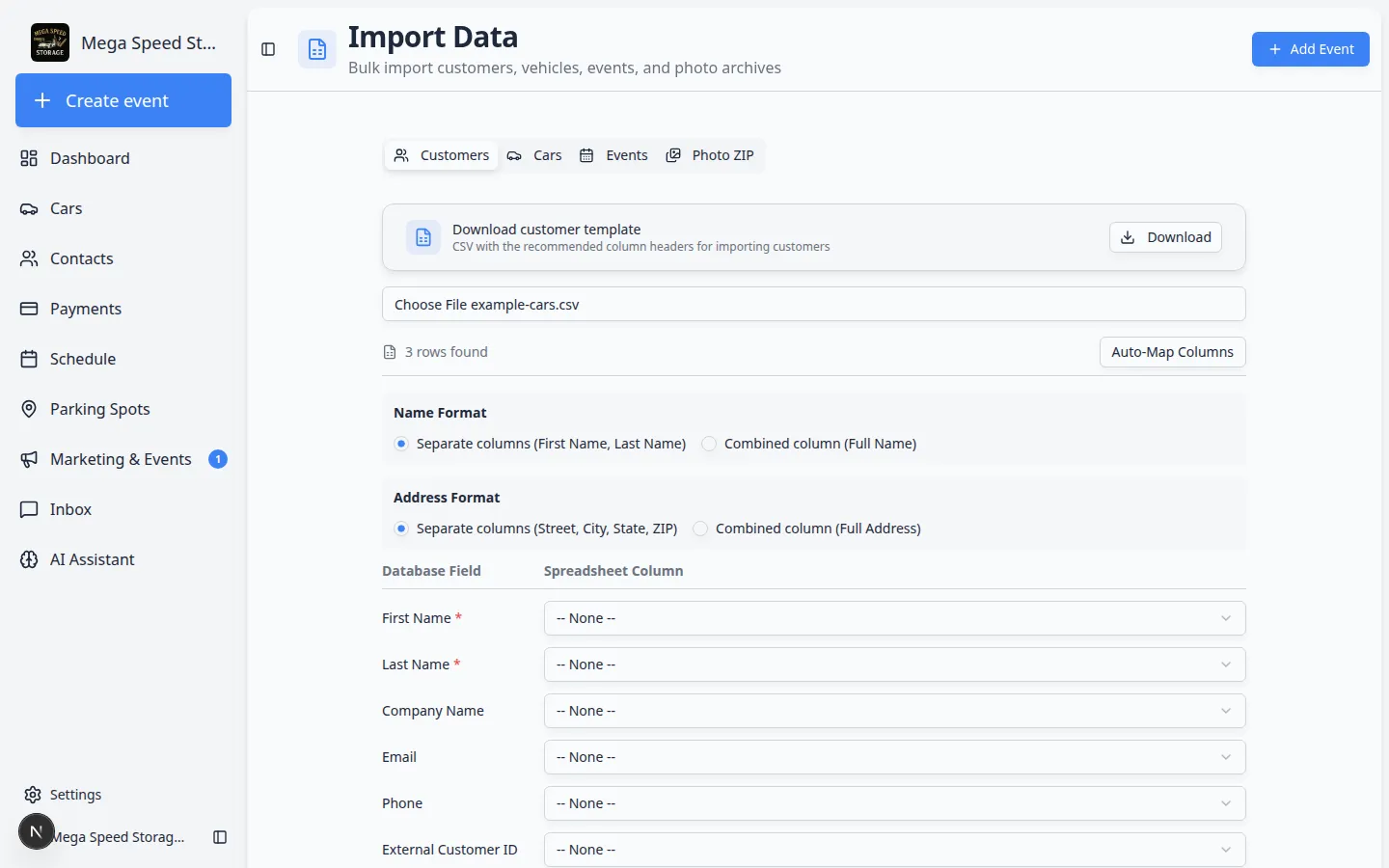
Expiry columns should land on the car record—not fail silently in the import preview.
Why we built it
Vehicle spreadsheets mix ISO dates, US slash dates, European day-first values, and Excel serial numbers that look like random integers in CSV exports. Naive parsing turned "46347" into invalid years or swapped day and month. More accurate vehicle import dates routes insurance, registration, and inspection expiration columns through parseImportDateCellToUtcNoon, which recognizes Excel serial ranges, YYYY-MM-DD, MM/DD/YYYY vs DD/MM/YYYY based on your team date format, DD.MM.YYYY dots, and safe fallbacks—so Import customers and cars commits dates compliance alerts can trust.
Who it is for
- Admins migrating fleets from another system via Import cars.
- UK, EU, and other day-first facilities whose address/date locale prefers DMY.
- Teams relying on dashboard registration / inspection / insurance expiry alerts.
What you can do
- Map Insurance expiration, Registration expiration, and Inspection expiration columns in the import wizard.
- Leave Excel date cells as numbers—the importer converts typical serial values without manual reformatting.
- Import slash-separated dates consistent with Settings → General date format (MDY vs DMY).
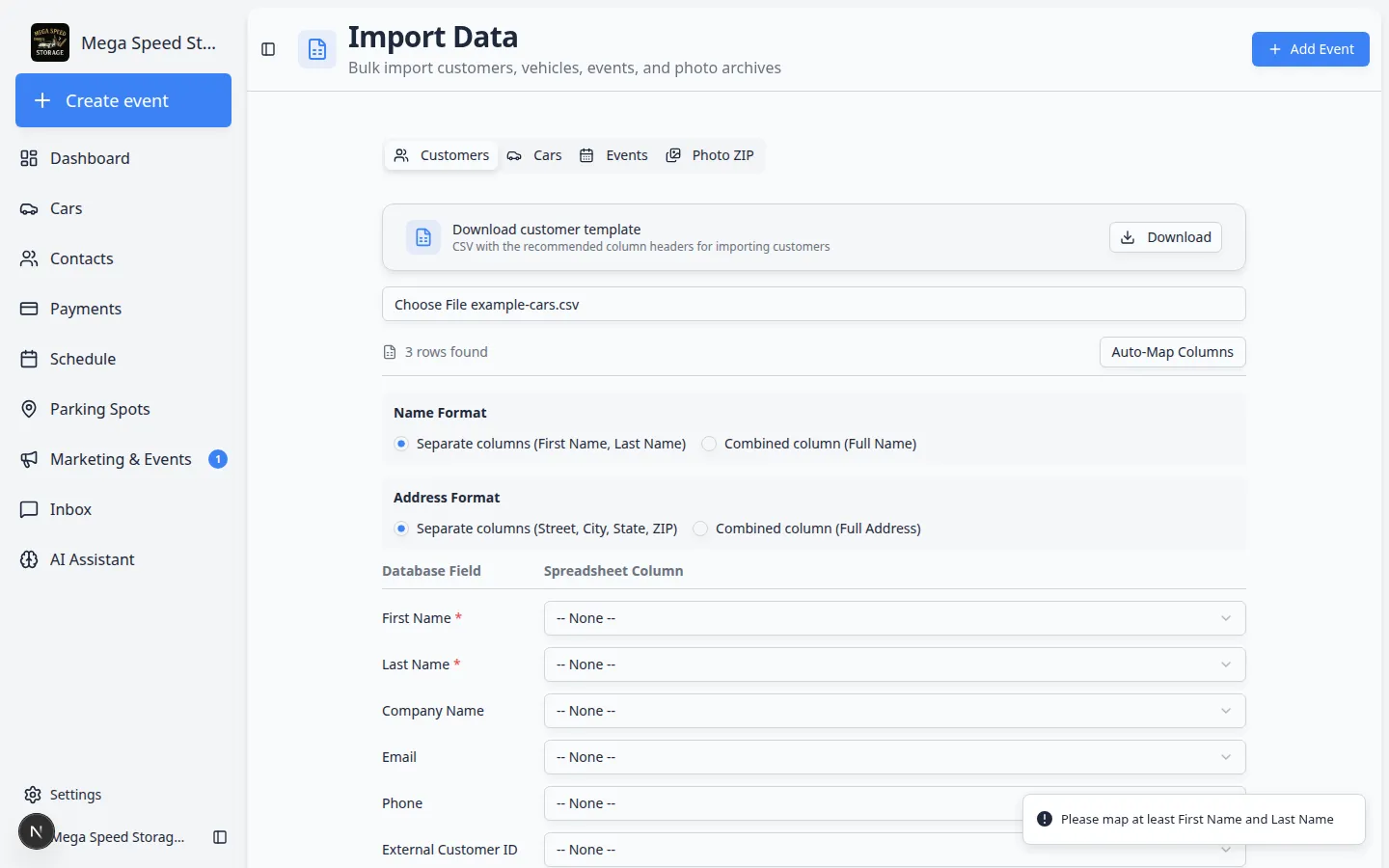
- Review parsed values in the import preview before committing rows to production cars.
How it fits your day
Before a bulk load, spot-check three rows with different date styles in a test import. After go-live, open a imported car and verify expiry fields match the spreadsheet. Set team date format correctly once so slash dates interpret consistently across cars and customer imports.
Get started
Export a small sheet with one Excel serial expiry and one DD/MM/YYYY registration date, run Import cars, map the columns, and confirm both dates appear on the vehicle record after import.
Questions about this update?
Book time with our team or browse the rest of the changelog.