Product update
More flexible recurring social events
Choose public RSVP fields and notes, edit one occurrence or the whole series, and manage responses with clearer guest names and event imagery.
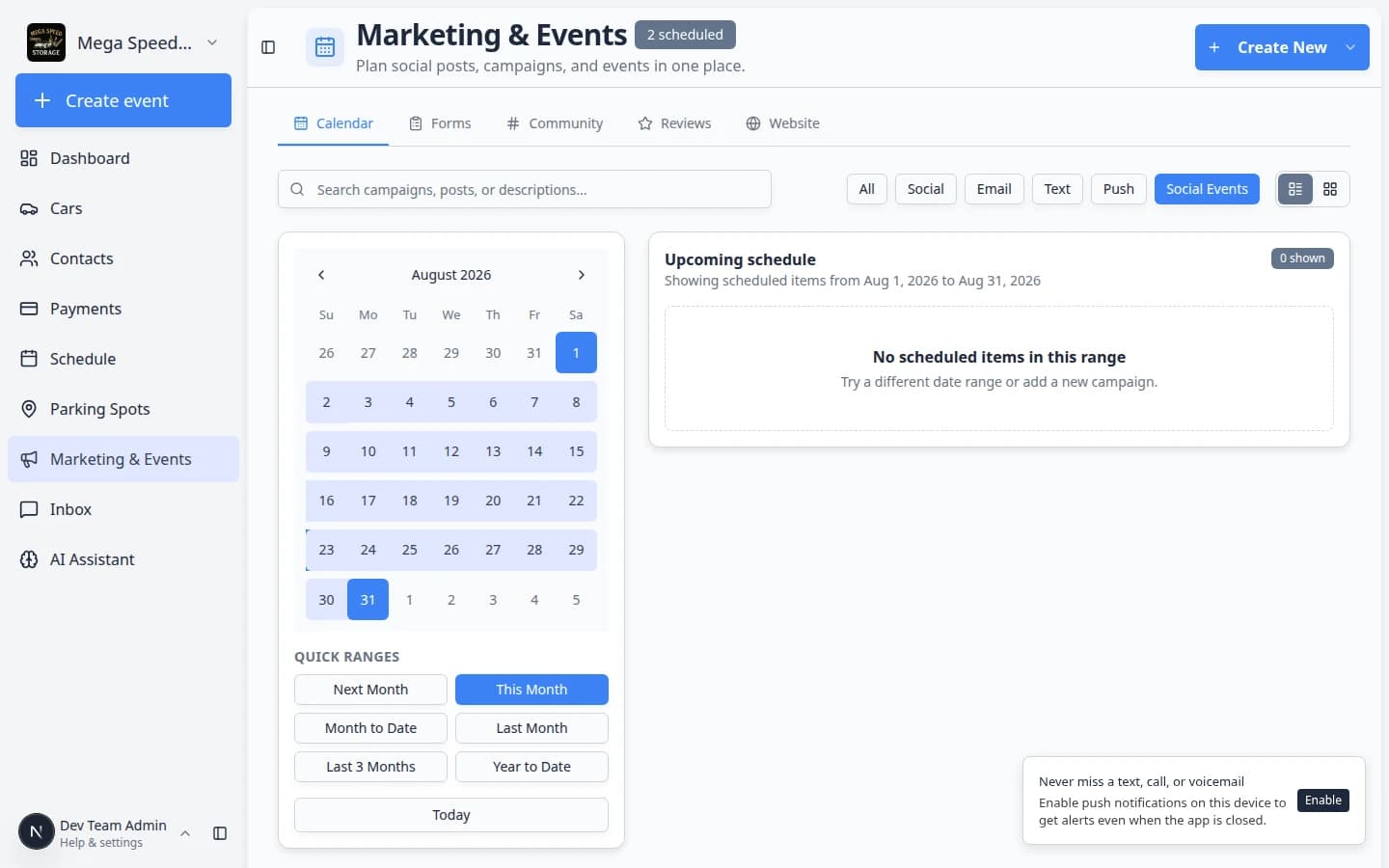
Weekly cars-and-coffee should not mean re-building the same event from scratch every Monday.
Why we built it
Recurring social events generate a series of drafts your team publishes over time—but each occurrence still needs sensible RSVP rules and occasional schedule or copy tweaks. More flexible recurring social events lets you configure which details guests provide (name, phone, address, notes), update this occurrence only or this and all following events when something changes mid-series, and work from clearer attendee identity and event photos while reviewing responses.
Who it is for
- Marketing leads running repeating club nights, open houses, or member drives.
- Staff editing published series from Marketing & Events.
- Teams pairing recurrence with Clearer event publishing and RSVP controls for draft vs live pages.
What you can do
- Toggle Public RSVP fields—first name, last name, phone, address—plus Allow RSVP notes for guest comments.
- Attach an optional event questionnaire during or after RSVP when you need structured answers.
- When saving edits on a recurring date, choose This occurrence only or This and following events.
- Generate future occurrences as drafts, then publish each date when it should appear on the customer calendar.
- Review RSVPs with readable guest names and event imagery on staff analytics and check-in flows.
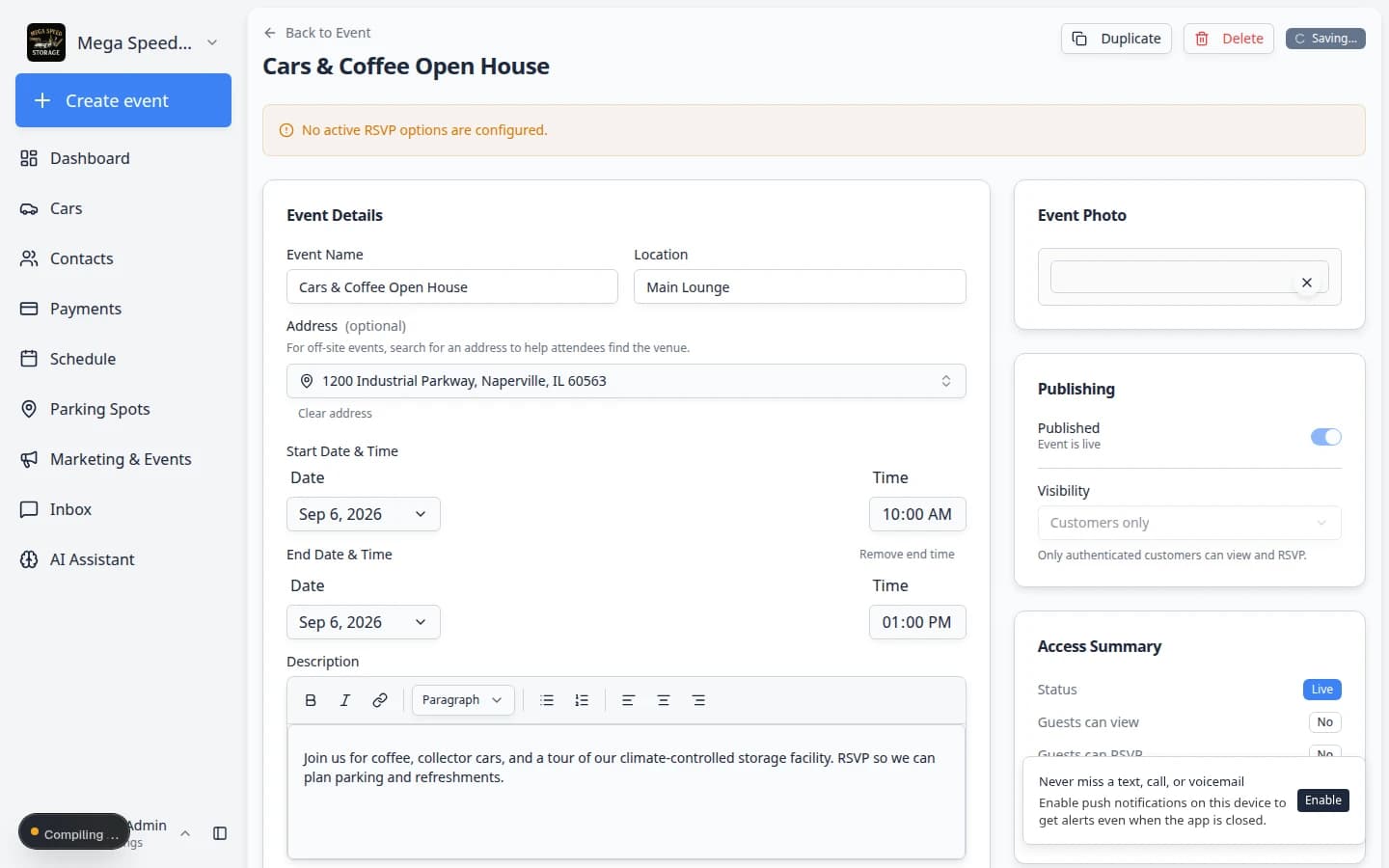
How it fits your day
Use this and following for permanent schedule shifts (new start time every future week). Use this occurrence only for one-off venue or capacity changes. New generated dates still start unpublished—publish intentionally so customers do not see a year of events before you are ready.
Get started
Create a weekly test series, generate two draft occurrences, publish the first, then move the second’s start time and apply This occurrence only—confirm the first date stays unchanged on the customer calendar.
Questions about this update?
Book time with our team or browse the rest of the changelog.