Product update
Multiple phone numbers for contacts
Store mobile, home, work, and custom-labeled numbers on customers and related contacts—with international formatting and import support.
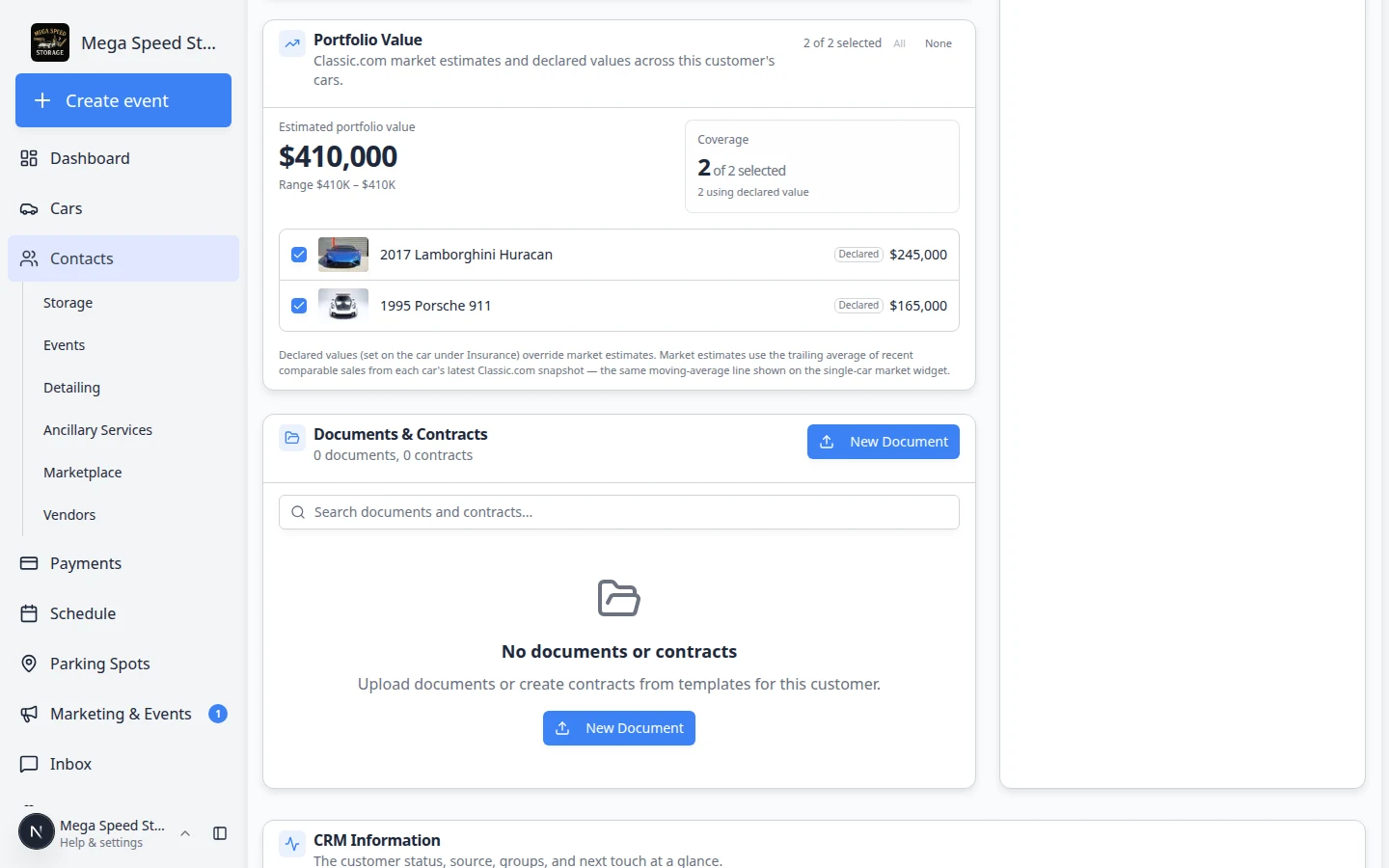
Collectors often have a mobile for texts, a home line for their assistant, and a work number for the office.
Why we built it
A single primary phone on the customer record was not enough for how facilities actually reach people—and imports often arrive with several columns of numbers. Multiple phone numbers for contacts adds additional phones on the customer record and on related contacts, each with a type (Mobile, Work, Home, Other with a custom label), international formatting aligned to your team’s country defaults, and mapping from customer import columns (including legacy fax fields stored as labeled Other numbers).
Who it is for
- Front desk staff editing records on Contacts.
- Teams importing spreadsheets via Import customers and cars with extra phone columns.
- Schedulers and billing flows that need alternate numbers when the primary line goes to voicemail.
What you can do
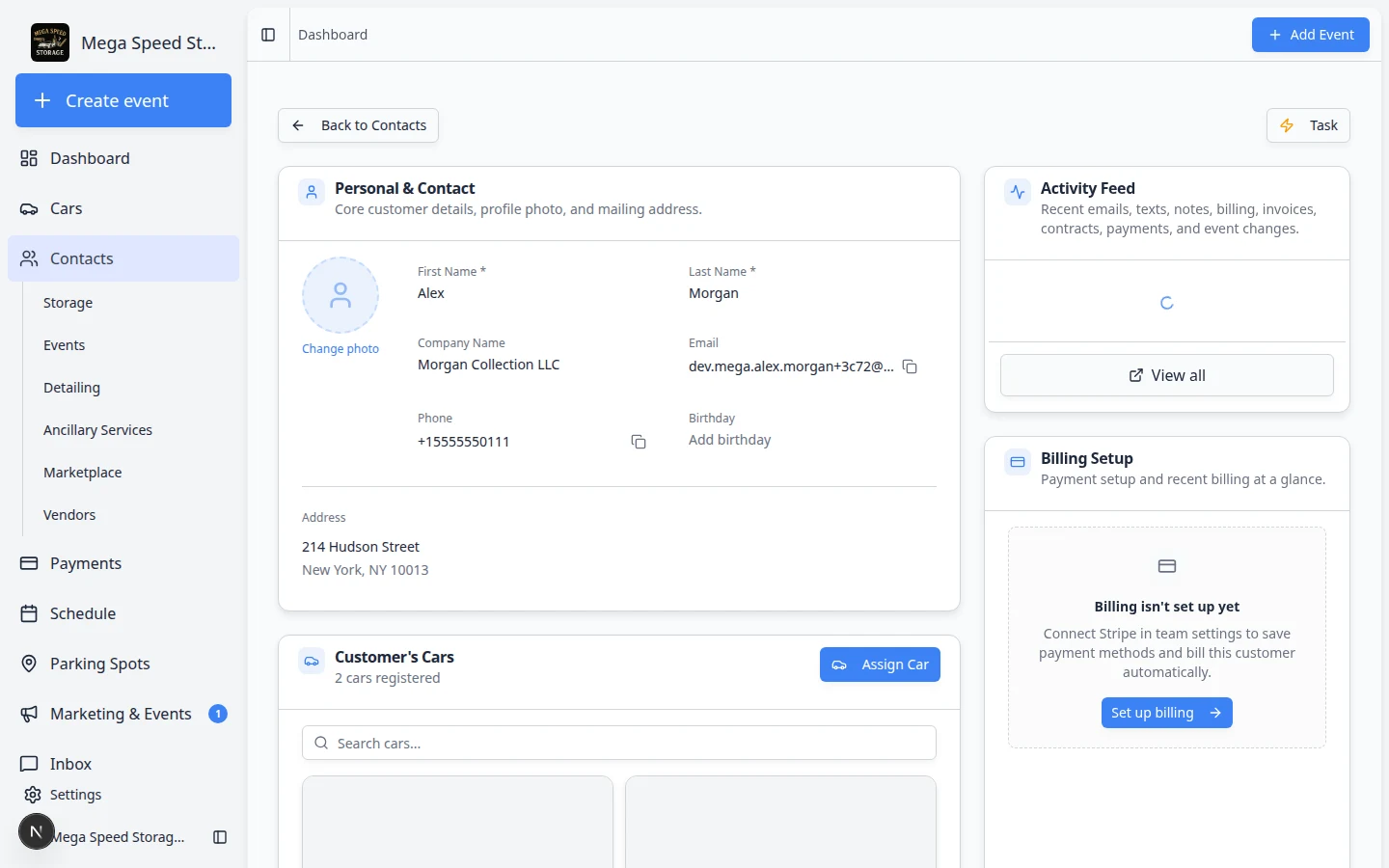
- Keep one primary phone for the main line; add up to 10 additional numbers on the customer profile.
- Set types and custom labels (e.g. Fax via Other) on each additional entry.
- Add matching numbers on customer contacts (spouse, fleet manager, etc.) in the contacts section of the record.
- Map typed phone columns on import so migration brings extra numbers in one pass.
How it fits your day
Primary phone still drives many defaults (Inbox display, some matching). Additional numbers are there when staff need alternates—update them when a customer changes assistants or adds a shop line. For staff text alerts, use Profile phone numbers for text alerts on the teammate’s own profile, not the customer record.
Get started
Open a test customer, add a Mobile and Work additional number, save, then import a row with separate phone columns and confirm extras land on the new record.
Questions about this update?
Book time with our team or browse the rest of the changelog.