Product update
Optional or required address on signup
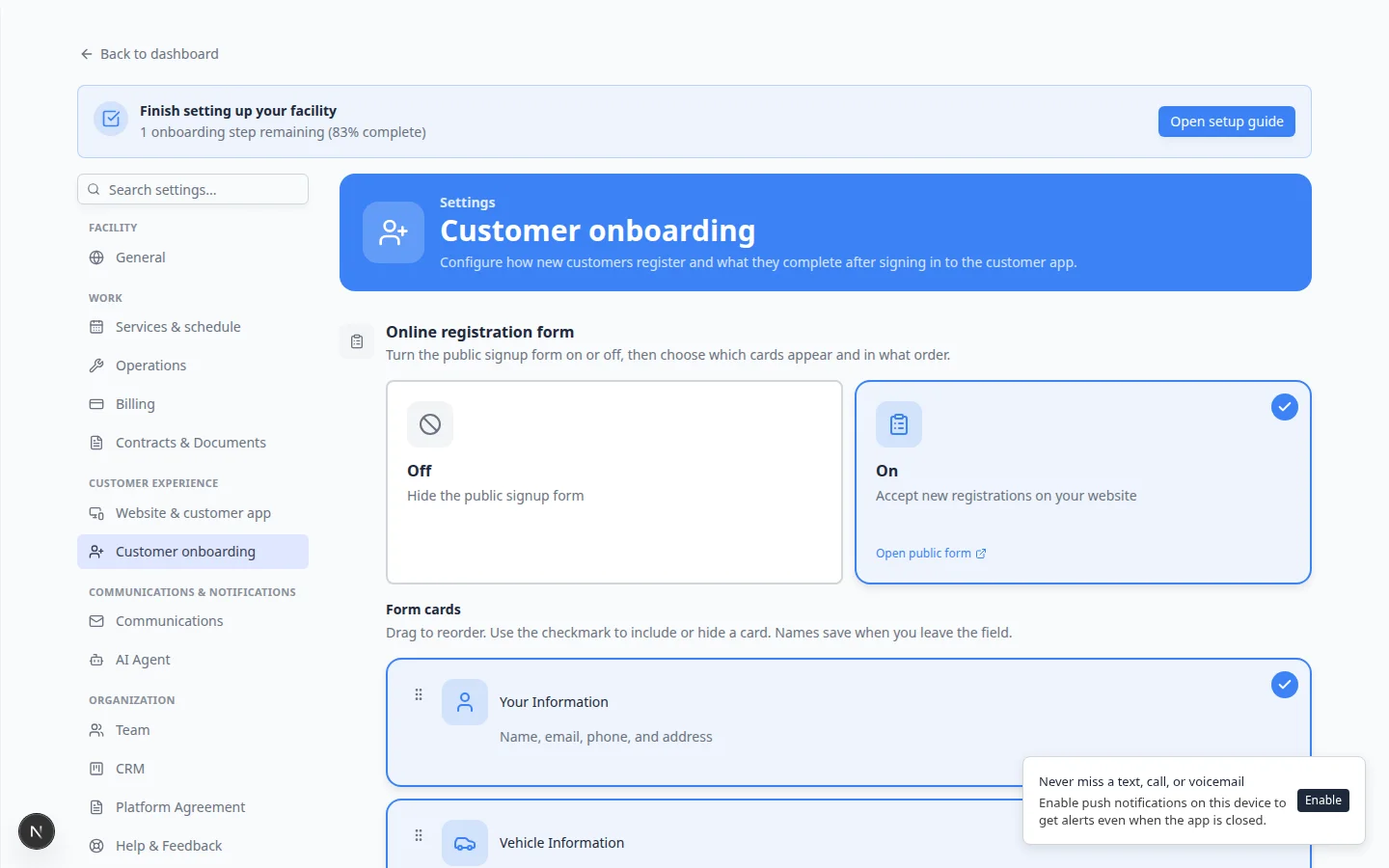
Turn off Address required on the Your Information registration card when you do not need a full street address before a customer joins—Settings → Customer onboarding.
Some facilities need a mailing address before they accept a new customer; others only collect it after a phone call or when billing starts.
Why we built it
The public Your Information card always treated address as mandatory. That slowed signups for teams that only need name, email, and phone up front. Address required is now a switch on that card in Settings → Customer onboarding. When it is off, the public form shows address as optional and the server accepts incomplete address fields. When it is on—the default—customers must enter street, city, state, and ZIP, matching what staff expect for contracts and billing.
Who it is for
- Teams running a short public registration form before a sales conversation.
- Facilities that collect legal or billing address later during onboarding or contract signing.
- Admins testing the form with Test form who want the same rules as production.
What you can do
- Open Settings → Customer onboarding, select the Your Information form card, and toggle Address required.
- Leave the switch on when contracts, tax, or mailers need a complete address at signup.
- Rely on consistent validation—the public form, test form, and registration API all read the same card config.
How it fits your day
Turn address off for a seasonal campaign with a minimal signup, then turn it back on before you require storage agreements that embed customer address fields. Existing customers are unchanged; only new registrations follow the current switch.
Learn more
Questions about this update?
Book time with our team or browse the rest of the changelog.