Product update
Recurring billing tax alerts
Recurring revenue report highlights plans whose prices expect tax but Stripe subscriptions bill without it—before you trust period totals.
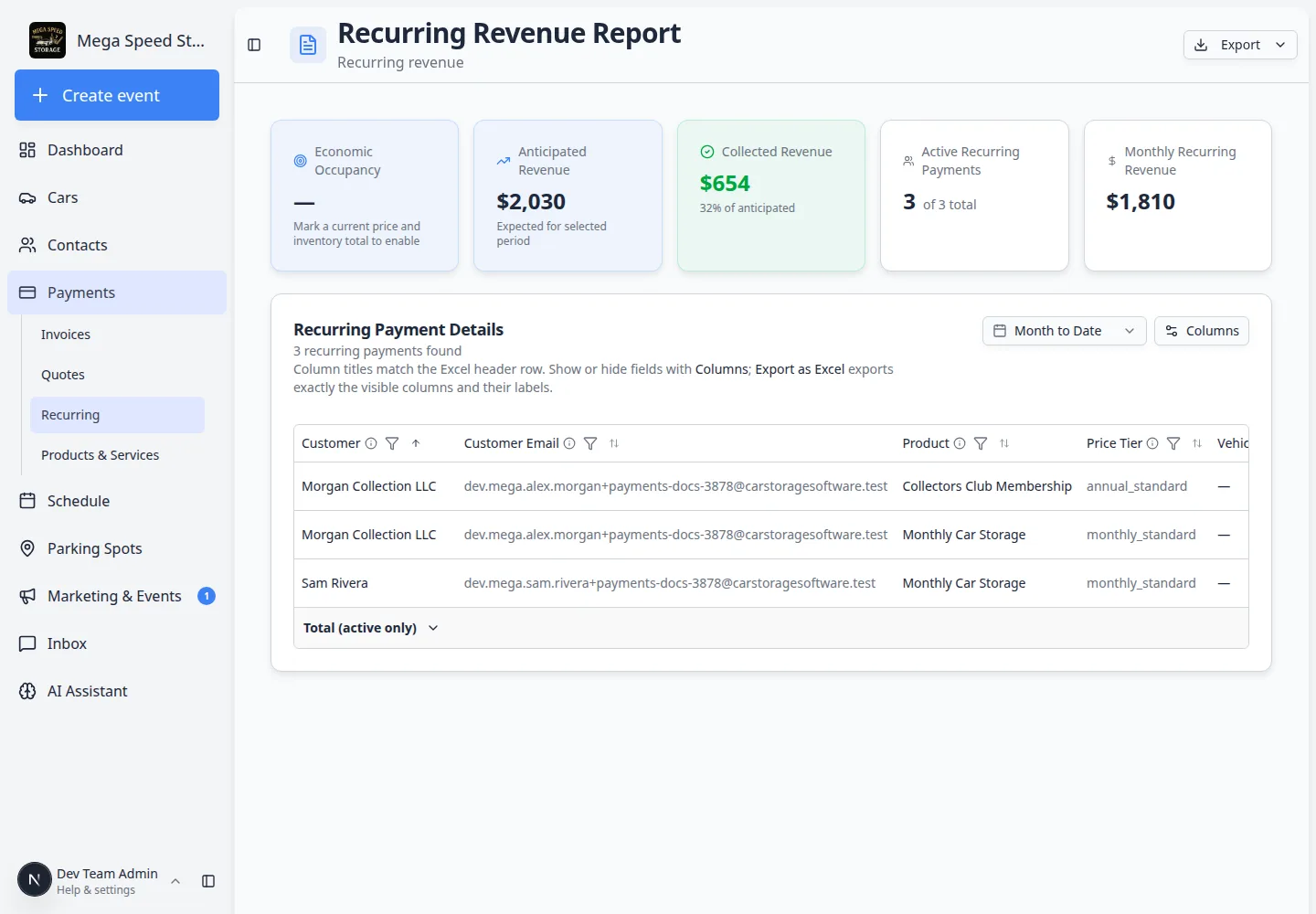
Estimated tax on a rollup is only as good as every subscription behind it.
Why we built it
Recurring revenue report helps finance see subtotal, tax, fees, and anticipated totals per plan. Sometimes a price is configured with tax while the live Stripe subscription lost its tax attachment—so invoices bill without tax even though your product setup says otherwise. Recurring billing tax alerts flag those rows in the report Tax column with a warning icon and tooltip so billing teams fix the subscription before relying on estimated tax totals in summaries and exports.
Who it is for
- Billing managers reviewing Payments → Recurring → Report.
- Teams reconciling recurring MRR against Manage recurring billing and invoice exports.
- Facilities that recently changed tax rates or re-created subscriptions after migration.
What you can do
- Open the recurring revenue report and scan the Tax column for warning indicators on active plans.
- Hover the alert to read that the price expects tax but Stripe has none attached.
- Open Manage on the plan and re-apply the correct tax configuration on the subscription.
- Re-run the report so summary tax totals and anticipated columns reflect corrected billing.
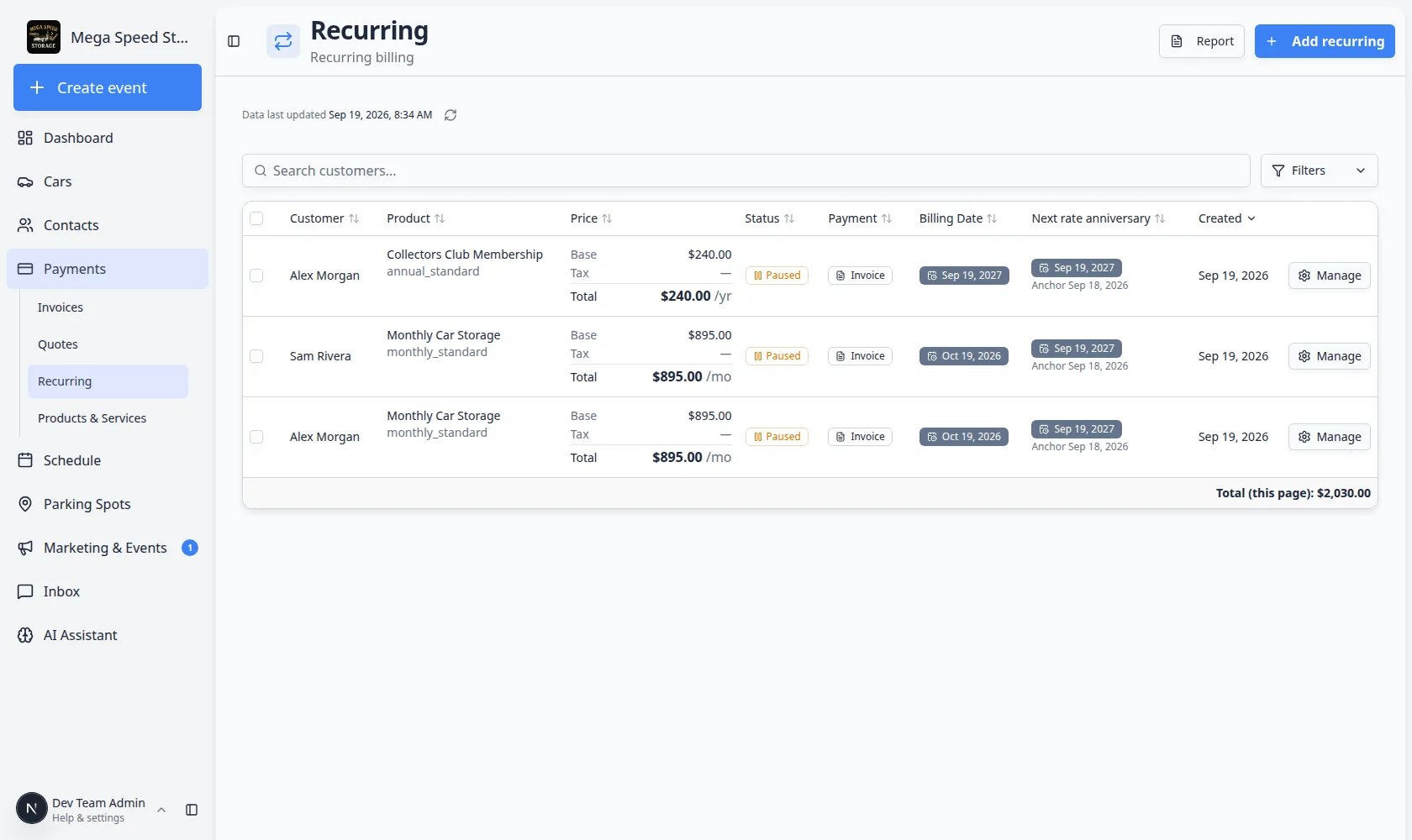
How it fits your day
Pair with More reliable recurring billing when validating multi-line plans at setup—tax alerts catch drift later when Stripe state diverges from catalog prices.
Get started
Open the recurring revenue report, filter to Active, look for a Tax cell with a warning dash, and walk one plan through Manage until the next report refresh shows a normal tax amount or an intentional zero.
Questions about this update?
Book time with our team or browse the rest of the changelog.