Product update
Direct bank payments to vendors
Connect facility and vendor bank accounts, review fees, and send approved vendor invoice payments from the invoice—with progress you can track.
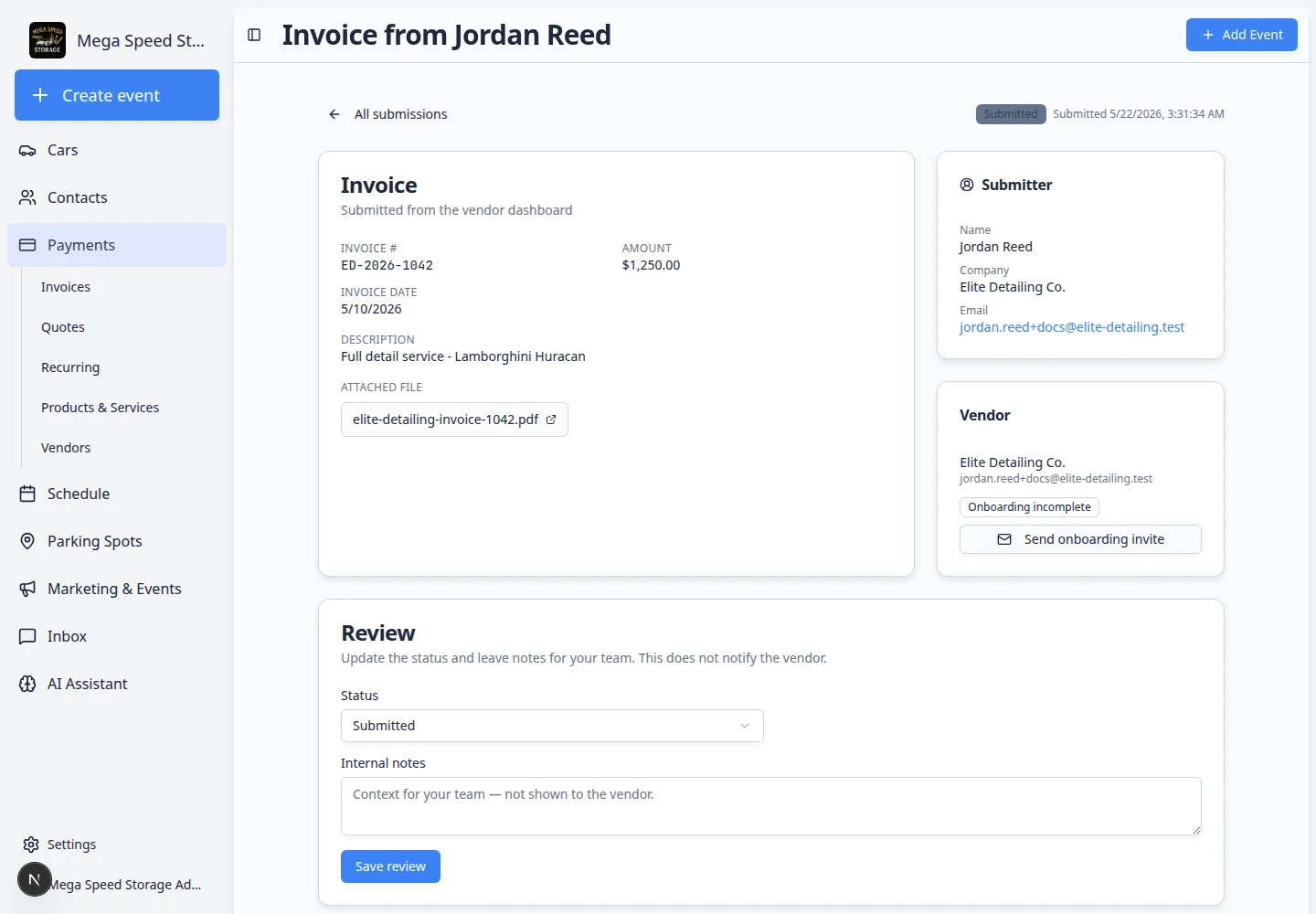
Vendor bills should not live in email while your team retypes amounts into a bank portal.
Why we built it
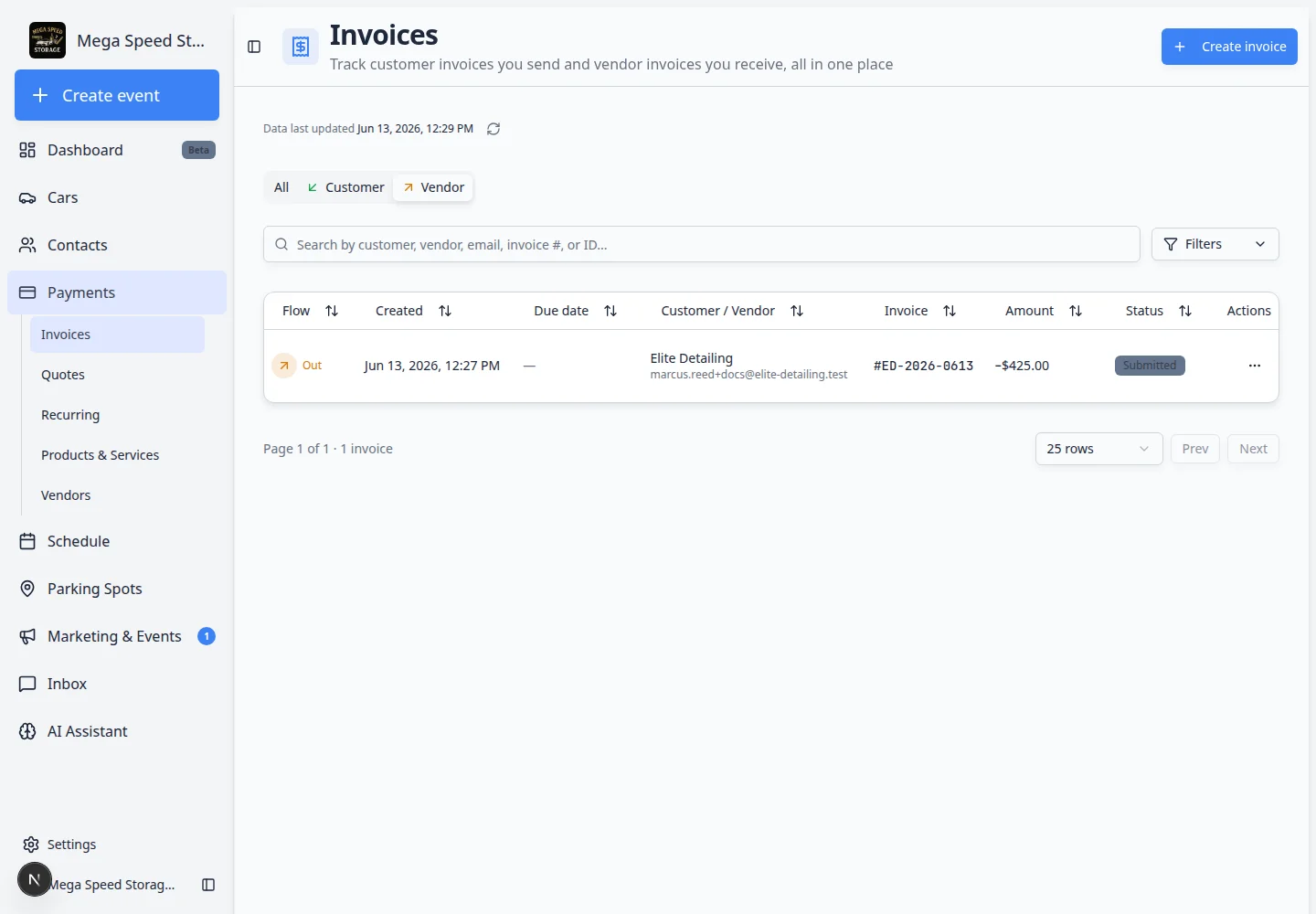
Detailers, transport partners, and specialty shops send invoices that staff already upload in Car Storage Software. Vendor ACH payments let eligible teams connect a facility bank account and vendor bank details, review the payment amount and fee on the invoice, and submit an ACH payment without leaving the record. Status updates on the invoice as processing completes—less double entry and a clearer audit trail than “marked paid” notes alone.
Who it is for
- Facilities with recurring outside vendors (detail, PPF, mechanical, transport) and formal invoice review.
- Owners or bookkeepers who want ACH alongside existing check, Zelle, or wire workflows.
- Teams already using Review and pay vendor invoices who need payment execution in the same place as approval.
What you can do
- Connect your facility bank under Settings → Billing → Vendor Payments when Vendor ACH is enabled.
- Invite vendors and have them connect bank details during vendor onboarding.
- On an approved vendor invoice, review the debit total and Confirm ACH payment when both sides are connected.
- Follow payment progress on the invoice until it shows Paid, or Mark as paid for off-platform methods when ACH is not used.
How it fits your day
ACH complements—not replaces—how you already pay vendors. Checks and manual transfers still use Mark as paid with a reference number. Use direct bank payment when the vendor is onboarded and you want the platform to initiate the transfer after internal approval.
Get started
Enable and connect banks per Manage vendors, then walk one invoice through review and payment in Review and pay vendor invoices.
Questions about this update?
Book time with our team or browse the rest of the changelog.