Product update
Faster photo walkthroughs
Photo captures upload in the background with progress, retry, and cancel controls, adapt to slower connections, keep scanned VIN images, and autosave walkthrough notes.
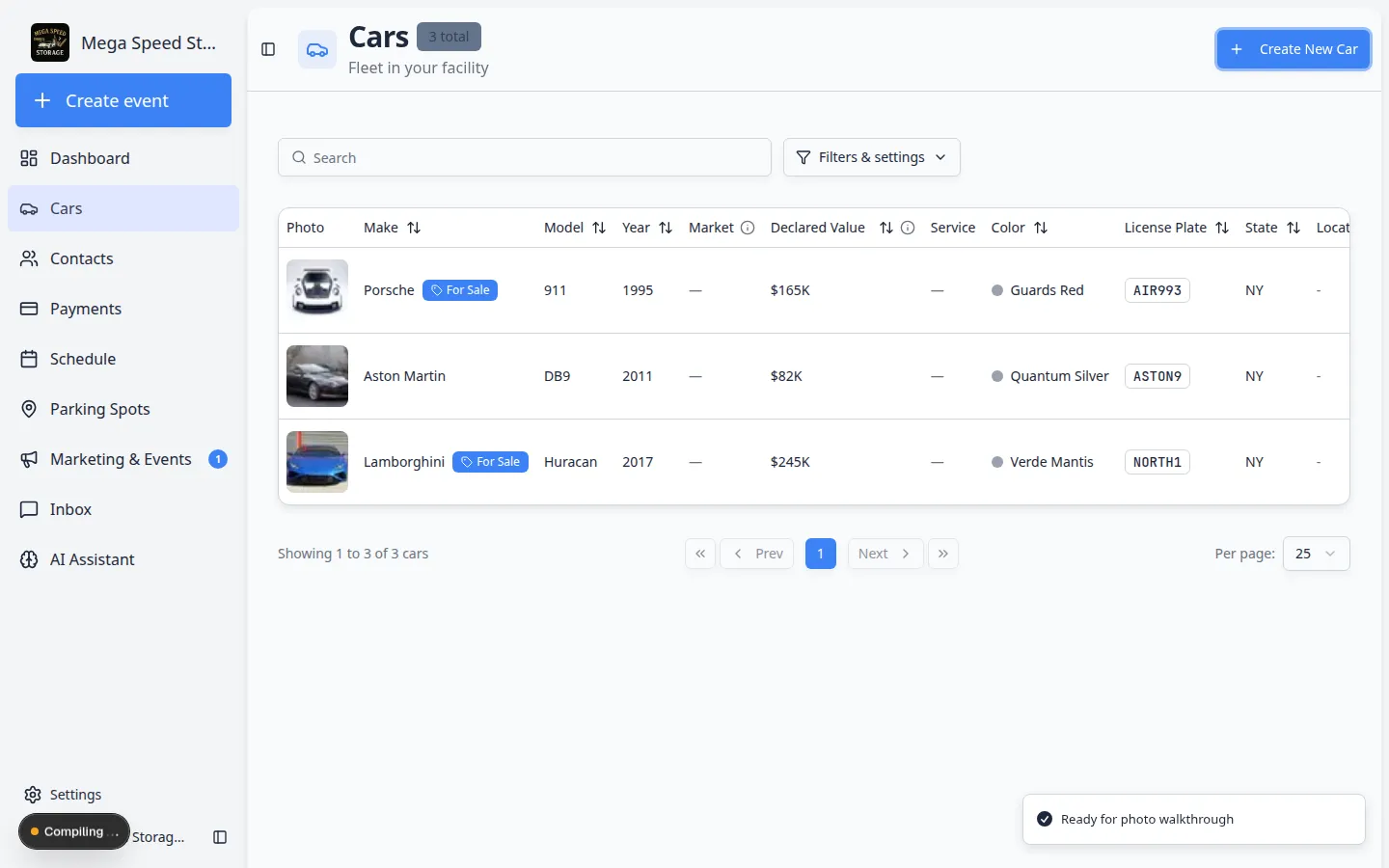
Walkthroughs should not stall on the upload bar while the next angle is waiting.
Why we built it
Intake and event photo walkthroughs stack dozens of shots in a few minutes. Blocking the Add photo control until each file finishes wastes time on the lot and on weak cellular links. Faster photo walkthroughs enqueue captures in a background upload queue with per-file progress, Retry, and Cancel (or dismiss on failure). The pipeline downscales aggressively on slow connections while still lightly compressing large phone photos on fast links. VIN scan photos are saved on the session without changing the scan flow, and walkthrough notes can autosave so detail text is not lost if staff move on before tapping save.
Who it is for
- Technicians running Start a car session or Create New Car → With Photos from Add a car.
- Teams on variable LTE who still need More reliable mobile photo uploads for location and in-app capture.
- Staff who scan VINs during intake and want the plate photo on the session record, not only the decoded number.
What you can do
- Keep shooting while earlier shots show Queued, Uploading, or Saving in the queue tiles.
- Retry a failed upload after a blip, or Cancel one that should not count toward the step.
- See when the app treats the link as slow—large images shrink more so the queue keeps moving.
- Enter notes on the details step with autosave instead of losing text when jumping between checklist and photo rules.
- Share finished galleries from desktop—see Easier photo sharing and viewing.
How it fits your day
Run a full intake walkthrough: VIN scan retains the frame, checklist and photo rules advance without waiting on every byte, and notes on the combined details step persist as you type. If one tile fails, retry that file without re-shooting the whole step.
Learn more
Questions about this update?
Book time with our team or browse the rest of the changelog.