Product update
Faster vehicle creation while assigning
Create customers and vehicles from parking pickers and assignment flows without leaving the dialog—VIN decode fills basics; Advanced holds the rest.
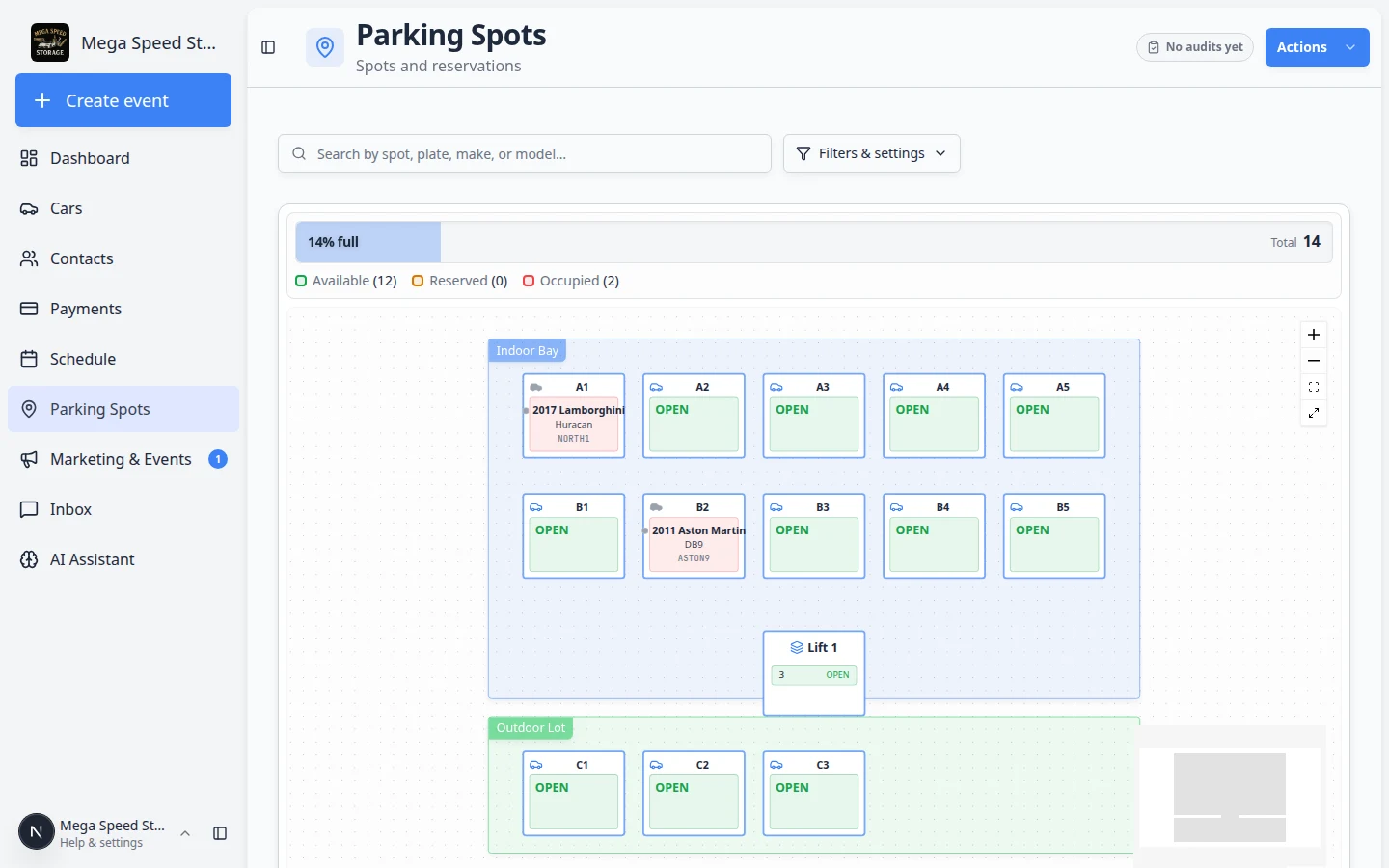
Assigning a spot should not mean abandoning the map for a full-page detour.
Why we built it
Parking moves, spot dialogs, schedule pickers, and contract checklists all ask for a customer or vehicle mid-flow. Opening a separate page broke context and slowed intake. Faster vehicle creation while assigning wires Create customer and Create vehicle into comboboxes used on the parking map, spot assignment, and related selectors. New records return to the same dialog with navigateOnCreate disabled so you stay on the map or form you started from. Enter a complete VIN (or supported HIN) and make, model, and year decode automatically; insurance, lien, and expiry fields live under collapsible Advanced so quick assigns stay uncluttered.
Who it is for
- Parking staff assigning bays from the parking map.
- Front desk using Car / Customer search with + Create in schedule, contracts, and inbox flows.
- Teams onboarding cars during walkthrough—see Prepare your first customer and car for full intake guidance.
What you can do
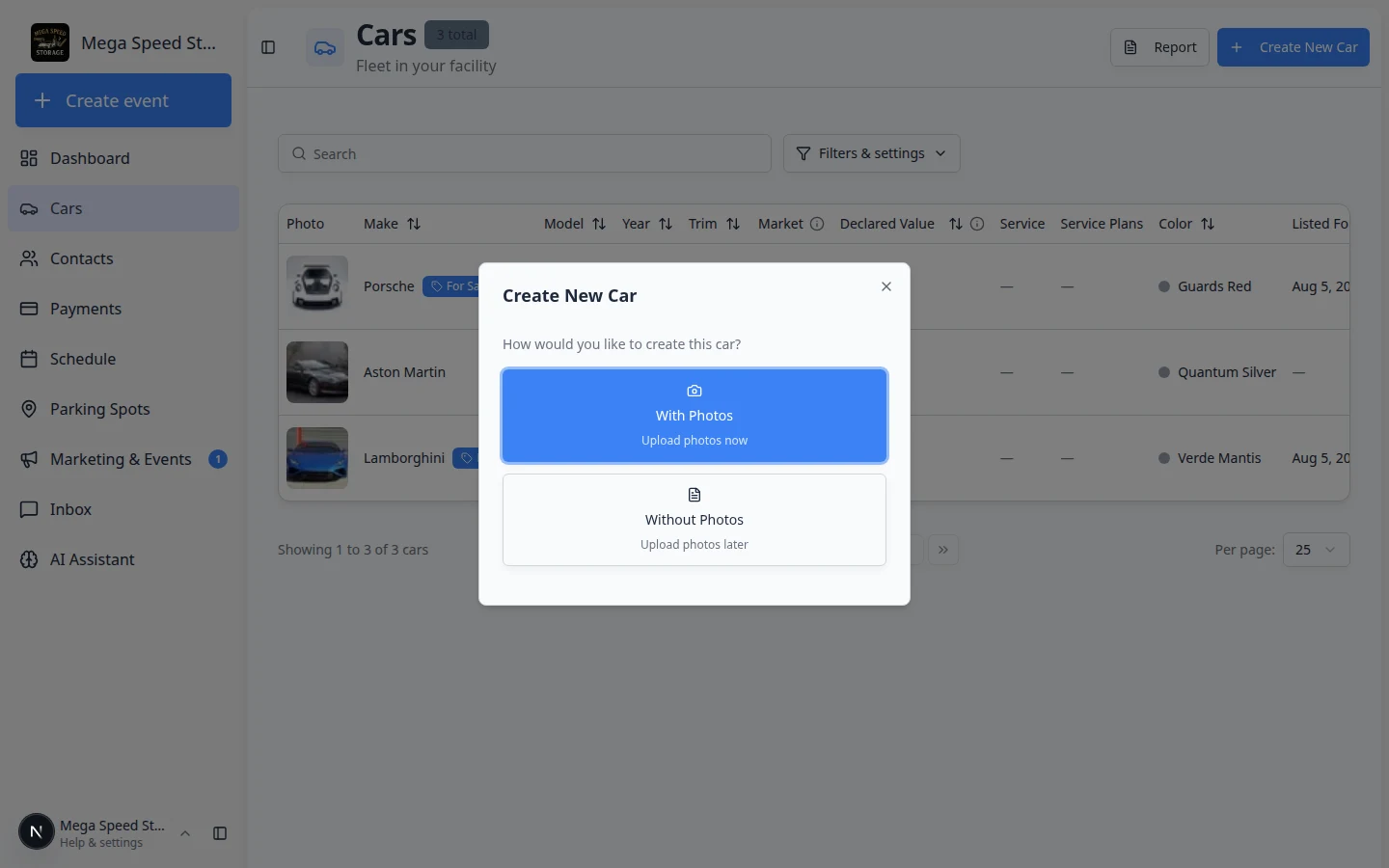
- Choose Create vehicle from a car picker; the new car selects automatically when save completes.
- Add a new customer from customer comboboxes without closing the parent task.
- Decode a 17-character VIN on blur to populate core vehicle fields.
- Expand Advanced for plate, insurance, registration, inspection, and lien details when the situation needs them.
How it fits your day
When a transporter drops an unlisted car, open the spot dialog, Create vehicle, paste the VIN, confirm decode, assign, and move on. Add the customer first from the combobox if the owner record does not exist yet.
Get started
From the parking map, open an empty spot, start Assign, click Create vehicle, enter a test VIN, save, and confirm you remain in the assignment dialog with the new car selected.
Questions about this update?
Book time with our team or browse the rest of the changelog.