Product update
More detailed recurring revenue reporting
The recurring revenue report separates subtotal, estimated tax, processing fees, and invoice total—and shows how each plan expects to be collected.
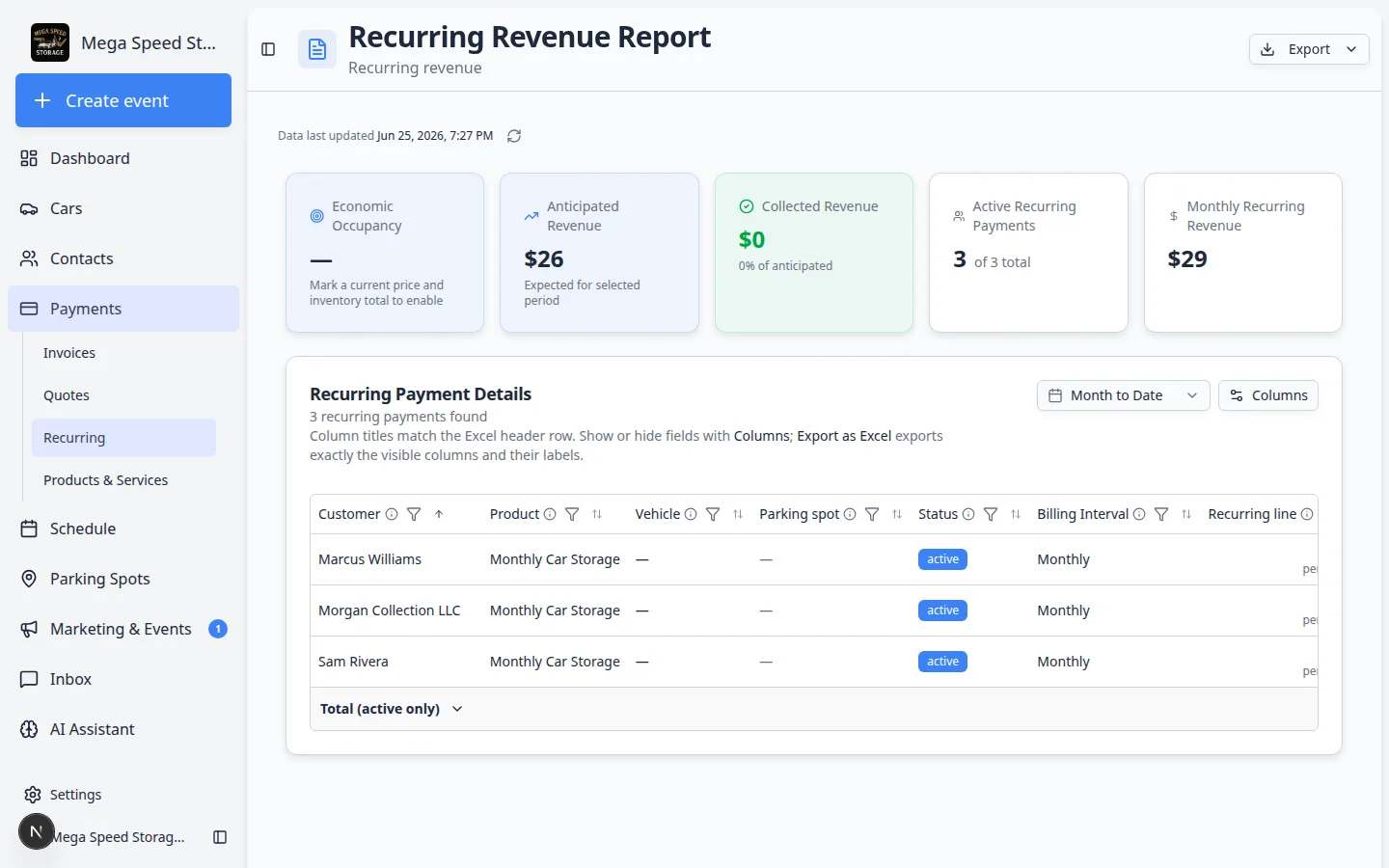
Rent-roll reviews need more than one “amount” column when tax and card fees differ by customer.
Why we built it
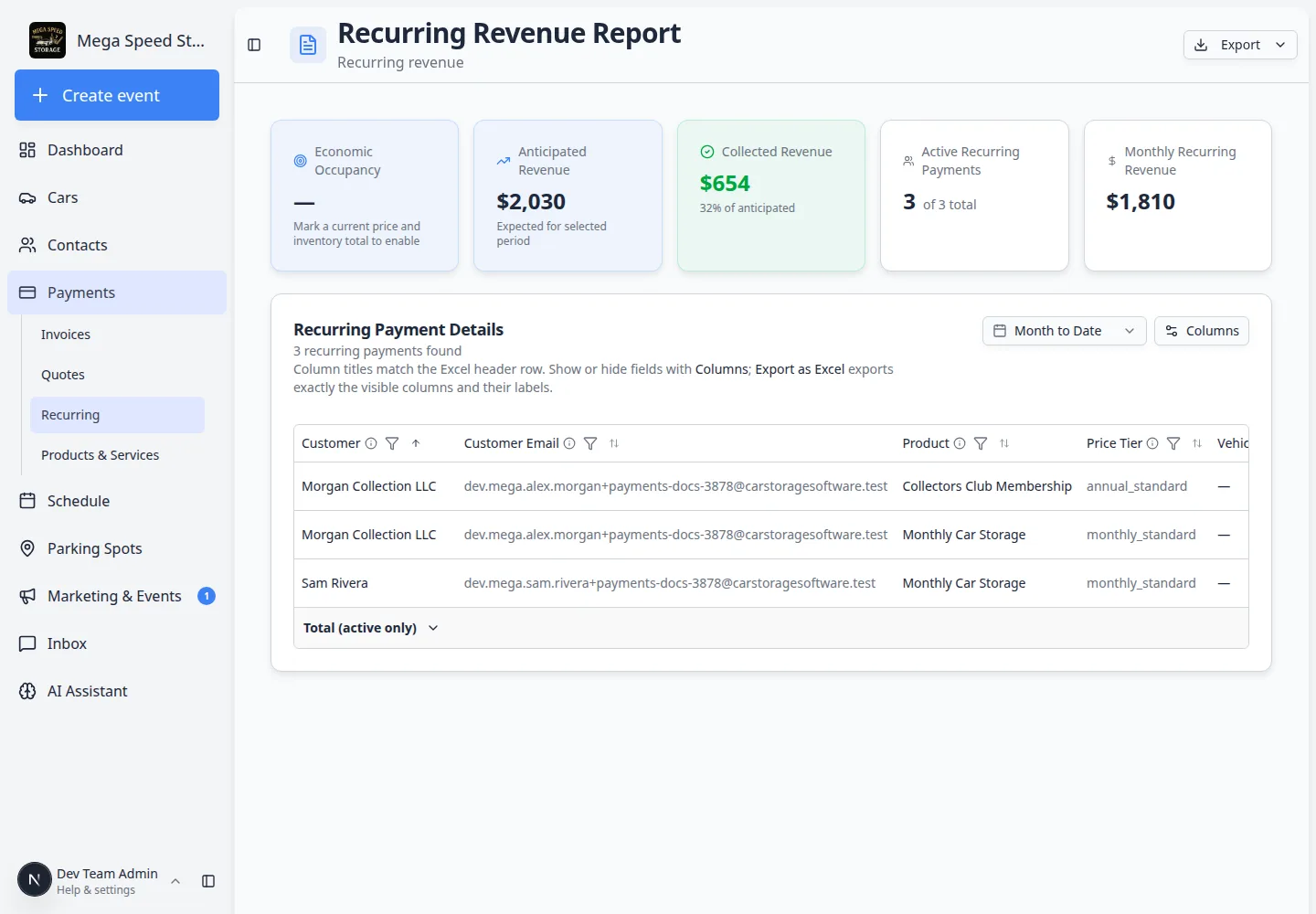
The Recurring revenue report (Payments → Recurring → Rent roll report) now breaks each plan into aligned columns:
- Base rate — service subtotal before tax and fees (matches invoice report Subtotal thinking)
- Tax — one period’s tax from Stripe subscription rates or statement price configuration
- Fees — estimated processing pass-through from team and customer fee settings (cash/check/invoice preferences show $0)
- Total rate — subtotal + tax + fee for one billing period
- Anticipated — expected totals for billing dates in your selected range (active/trialing plans in summaries)
- Collected — cash from paid Stripe invoices in the range
- Payment method status — how the next charge is expected (card on file, bank, invoice, cash/check preference)
Monthly and annual equivalent columns still help compare plans on different intervals.
Who it is for
- Billing managers reconciling MRR to actual cash and to recurring billing tax alerts.
- Operators exporting the rent roll to Excel with Columns tuned for finance review.
- Teams mixing Stripe auto-pay and statement-billed plans who need Type and Collected side by side.
What you can do
- Set a date range and sort by Anticipated, Customer, or Payment method status.
- Turn on Base rate, Tax, Fees, and Total rate together to mirror invoice math.
- Export Excel for board packs; column preferences save per user like other reports.
- Use Parking spot and vehicle columns when recurring plans tie to stored cars.
How it fits your day
Before month-end, filter active plans, compare Anticipated in-range to Collected, and spot statement customers with zero collected but healthy Total rate. Pair with Manage recurring billing when tax or payment preference fixes are needed.
Learn more
Questions about this update?
Book time with our team or browse the rest of the changelog.