Product update
Cleaner parking report exports
Parking occupancy CSV exports keep declared and market value columns as plain numbers so spreadsheets sort, filter, and calculate without currency formatting issues.
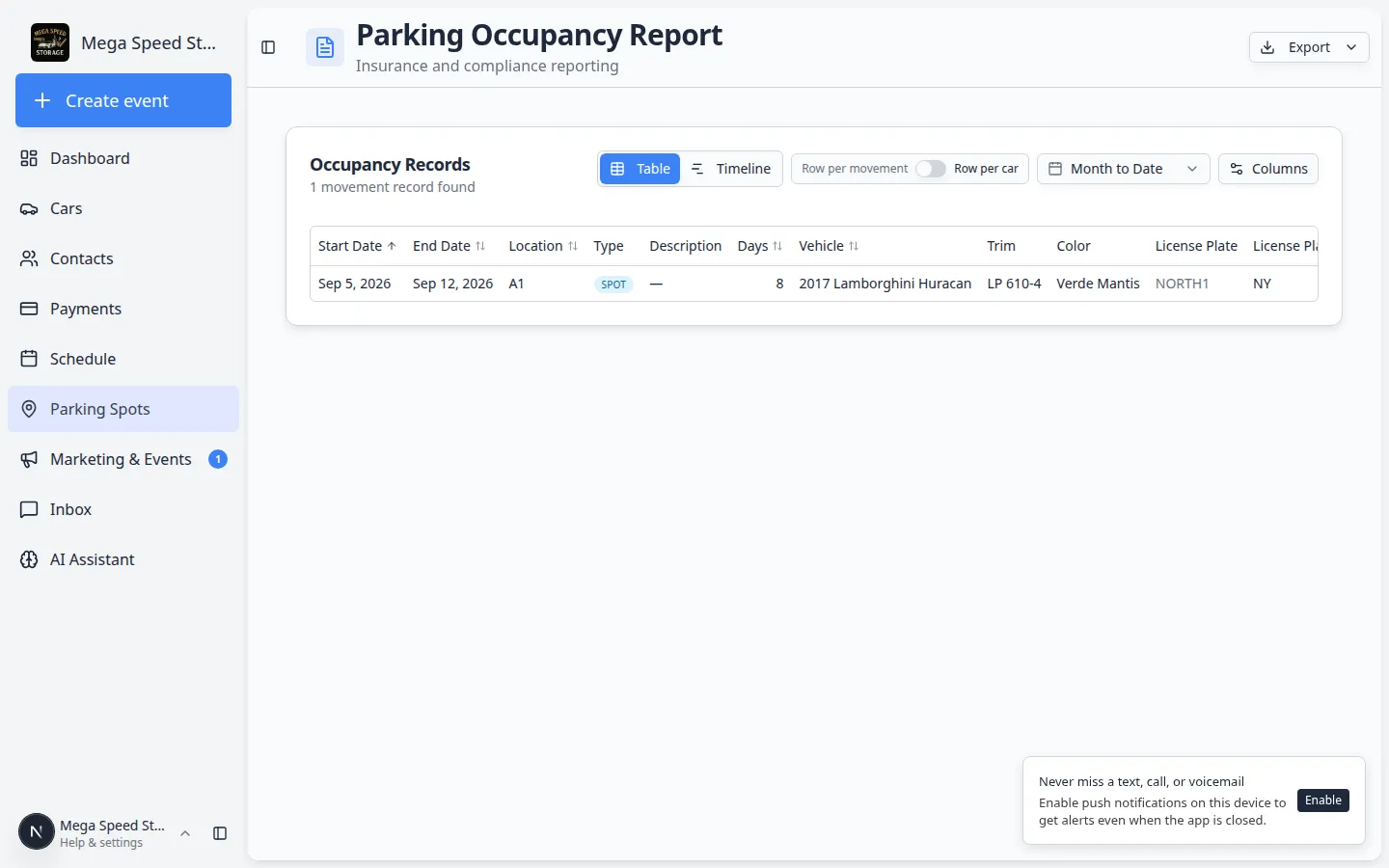
Parking reports often land in Excel for insurance reviews and occupancy billing—not as read-only PDFs.
Why we built it
The parking occupancy report CSV export includes optional value columns such as Declared value and market Min, Avg, and Max estimates. Those fields now export as plain numeric cells (major currency units, no $ symbol or thousands separators baked into the string). That keeps Excel and Google Sheets treating them as numbers for sorting, filtering, and SUM/AVERAGE instead of text that breaks formulas.
Who it is for
- Operators exporting occupancy history for a date range to share with accounting or insurers.
- Teams comparing portfolio exposure alongside vehicle reporting workspace exports.
- Anyone who turns on value columns in the report Columns menu before Export → CSV.
What you can do
- Open Parking Spots → Report, set your date range and Table view, then choose visible columns including value fields.
- Export CSV and open in Excel—value columns stay numeric where data exists; empty cells export blank.
- Continue using Export → PDF when you need a formatted snapshot for email; CSV remains the path for analysis.
How it fits your day
Run a month-end occupancy pull, export CSV, and pivot on Days and Avg value without re-cleaning currency strings. Mileage and other numeric-friendly fields follow the same export helper pattern on the report.
Learn more
Questions about this update?
Book time with our team or browse the rest of the changelog.