Product update
Configurable billing emails and reminders
Choose which invoice, payment due, overdue, and receipt emails send automatically—and how often follow-ups repeat.
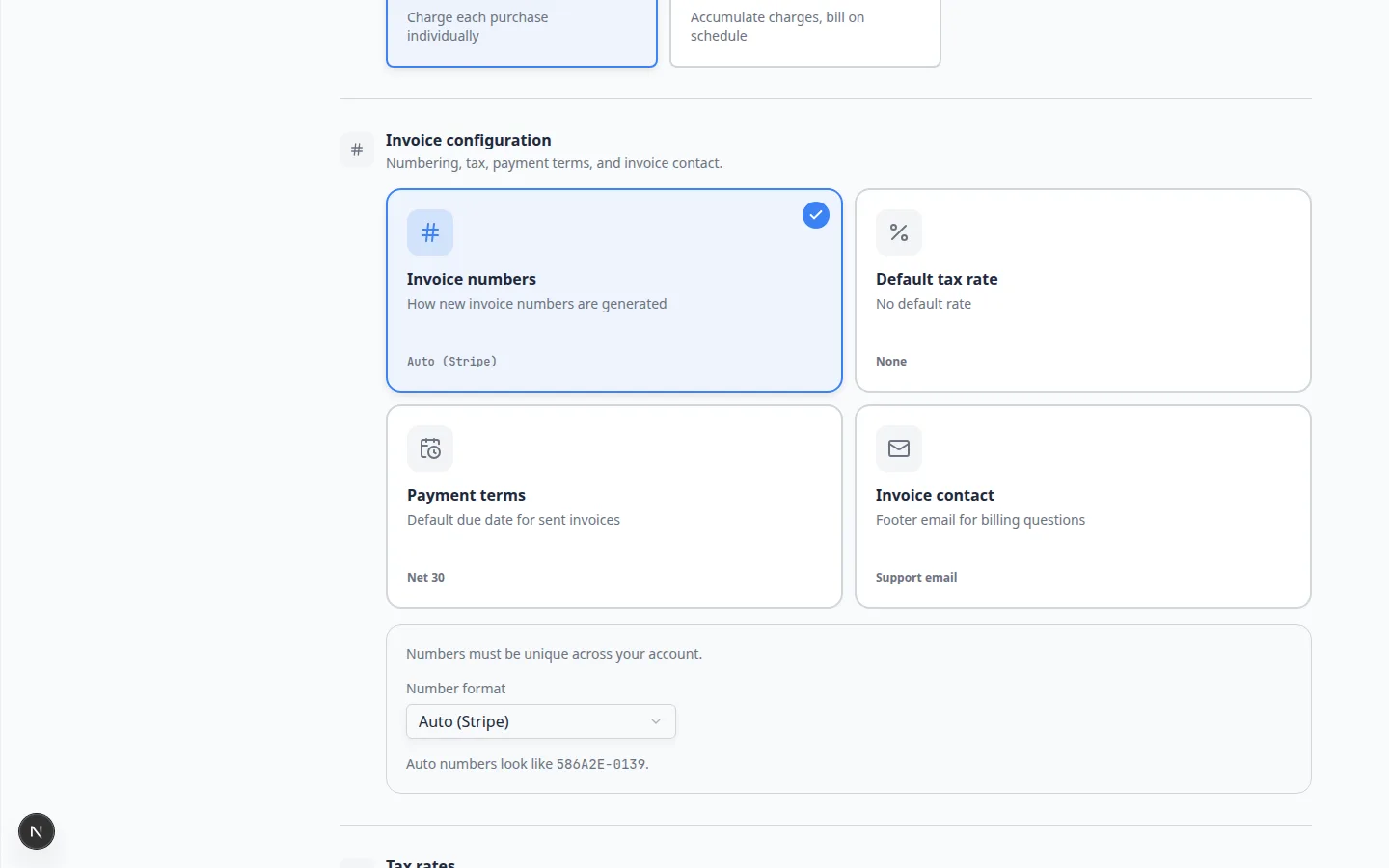
Automatic billing email should help collections—not train customers to ignore the same message every morning.
Why we built it
Facilities differ on how aggressively to nudge open invoices. Configurable billing notifications let admins turn invoice sent, payment due, overdue, and receipt emails on or off—and set follow-up intervals (for example every few days) instead of a fixed cadence for everyone. Billing staff stay consistent without hand-sending every reminder, while owners avoid over-emailing collectors who already arranged to pay.
Who it is for
- Billing managers defining facility-wide email cadence under Settings → Billing.
- Front desk staff who still send one-off reminders from an invoice but want defaults handled automatically.
- Teams migrating off manual “did we email them?” spreadsheets for open AR.
What you can do
- Toggle Invoice sent emails and optional repeat reminders after the initial “invoice ready” message.
- Control Payment due and overdue-style follow-ups with a custom day interval—or initial email only.
- Enable Receipt emails on successful (and failed) payments when customers should get automatic confirmation.
- Pause daily reminders on a single invoice when a customer arranged another payment path—without changing team defaults.
How it fits your day
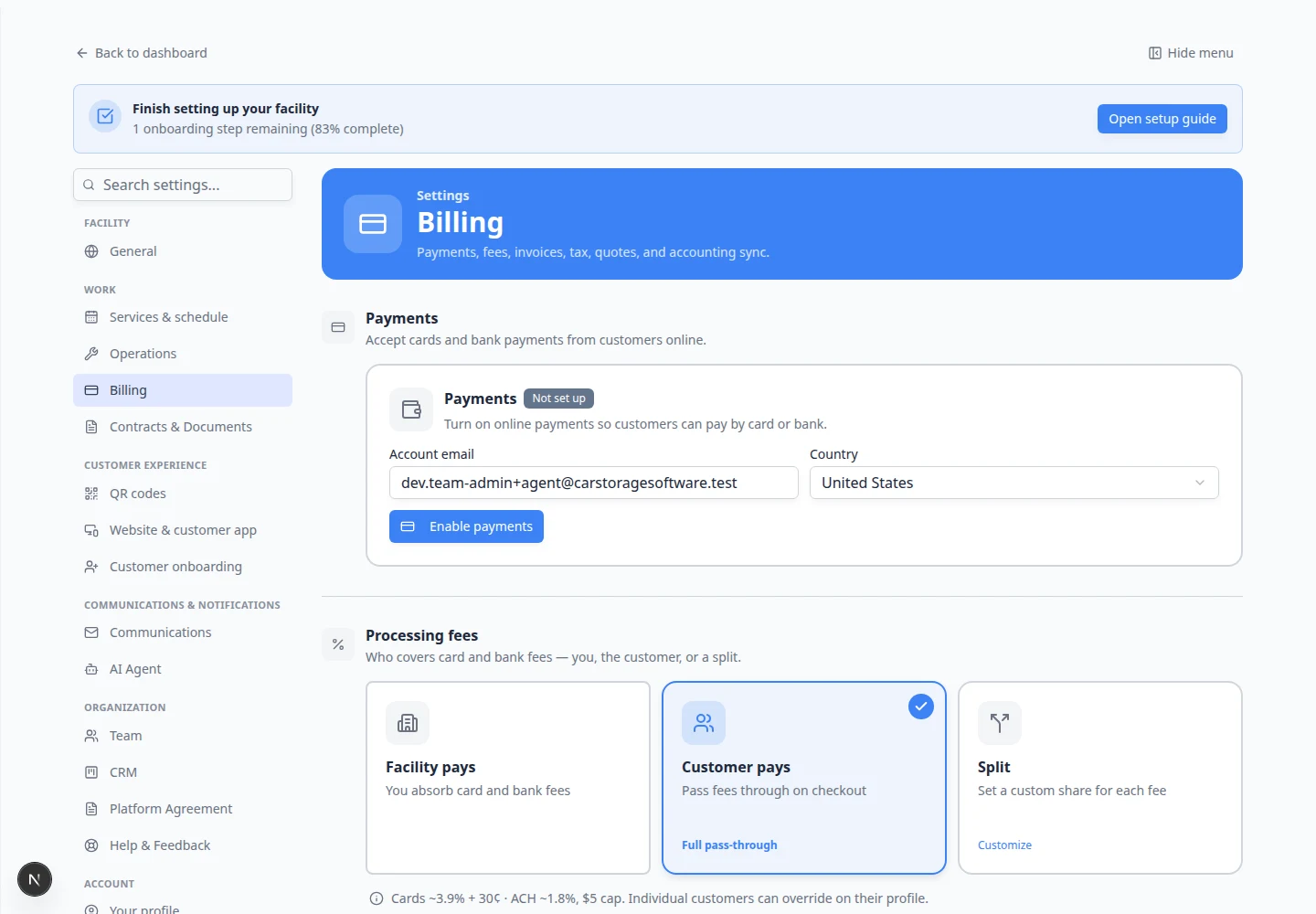
Team defaults live in billing settings; per-invoice Daily reminders toggles handle exceptions—see Review a customer invoice. Customer replies still depend on a proper Reply-to address in Configure communications.
Get started
Open Settings → Billing, find Billing notifications (invoice sent, payment due, receipts), and set each card to match your facility policy. Send a test invoice to yourself and confirm which messages arrive at each interval.
For collecting payment after send, use Send and collect customer payments.
Questions about this update?
Book time with our team or browse the rest of the changelog.