Product update
Guided social event creation
Create social events in four steps—basics, when and where, optional capacity tickets and recurrence, then review before publish.
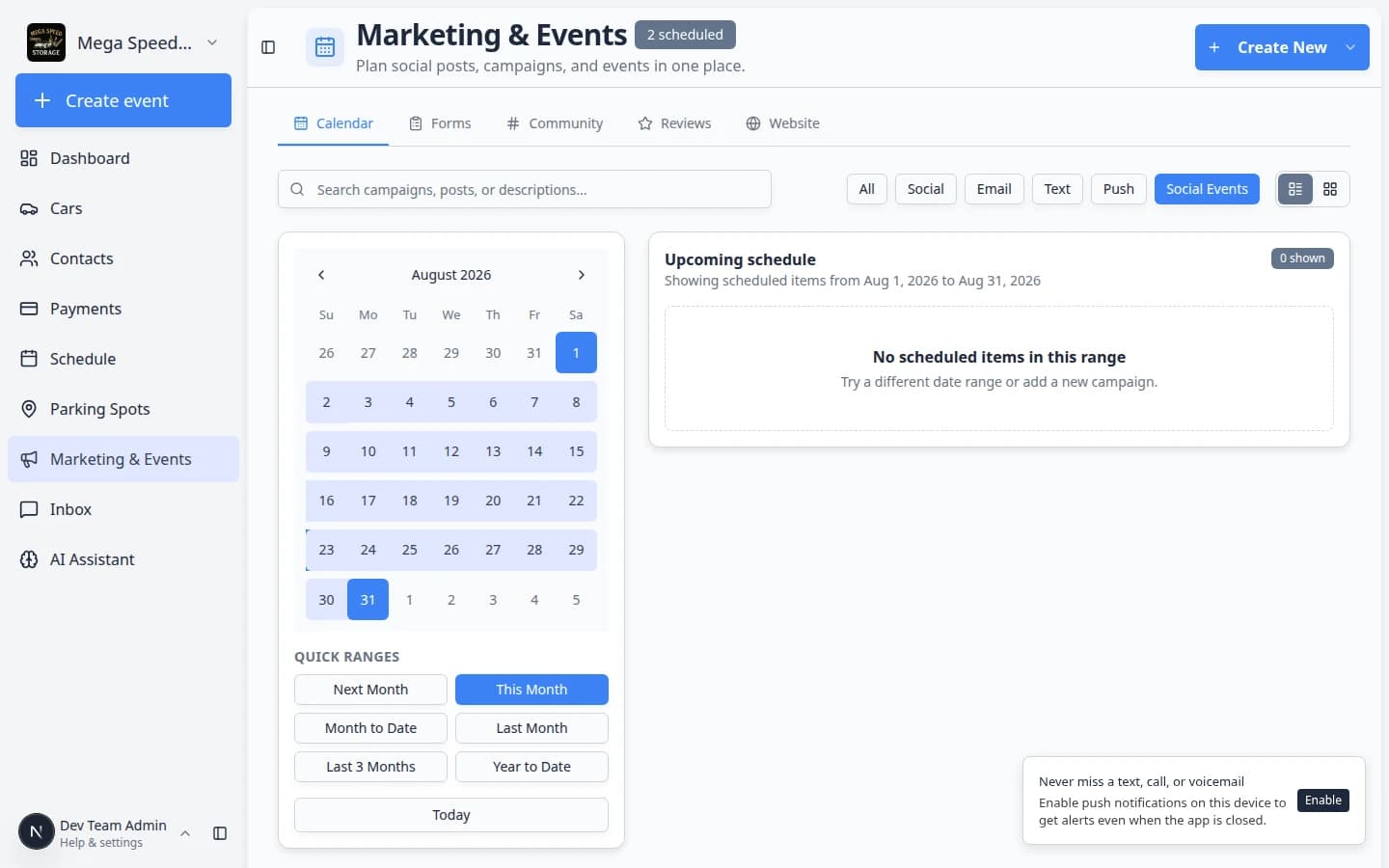
Club nights and open houses deserve a calm setup flow—not a wall of fields on one screen.
Why we built it
Publishing a social event means balancing details, schedule, location, capacity, tickets, recurrence, and guest responses—easy to skip a step or ship half-configured pages. Guided social event creation replaces the old single form with a wizard: Basics → When & where → Options → Review. Staff name the event, add imagery, set date/time and address, optionally turn on capacity, paid admission, and recurring series, then confirm on Review before the event is created (often as a draft you publish when ready).
Who it is for
- Marketing and events staff on Marketing & Events.
- Teams running repeating meetups who generate series then publish each date—see More flexible recurring social events.
- Anyone following Create a social event for RSVP and check-in afterward.
What you can do
- Basics — title, description, and hero image customers see on the event page.
- When & where — start/end, facility or off-site address search for directions.
- Options — optional max attendees, paid admission (ticket options after create), and recurrence with weekday and end-date controls.
- Review — read a plain-language summary, go back to any step, then create.
- Fine-tune RSVP fields, publishing, and tickets on the event edit screen after creation.

How it fits your day
Use the wizard for net-new events; duplicate an existing club night when only dates change. Pair with Clearer event publishing and RSVP controls when you need flyer-only pages or draft vs live visibility.
Get started
Open Create social event from the marketing calendar, walk through all four steps on a test event, create as draft, then publish from the event editor when RSVP settings look right.
Questions about this update?
Book time with our team or browse the rest of the changelog.