Product update
More flexible staff notifications
Set team-wide staff alert defaults in Settings → Communications, then let each member choose all scheduled work, assigned work, or specific activities—with email, text, or push.
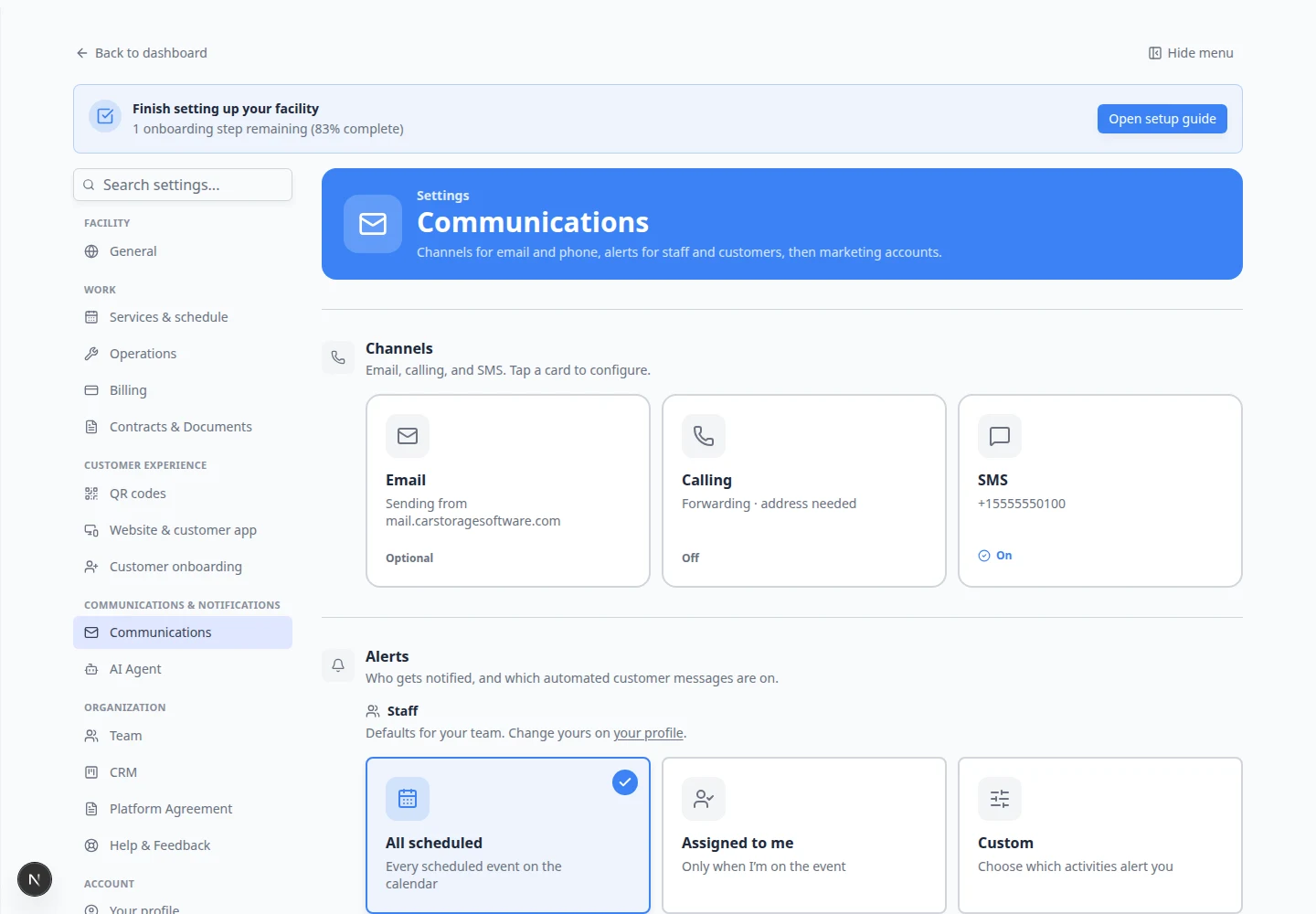
Shop floor staff and front desk rarely want the same ping volume.
Why we built it
Facilities need a baseline for who hears about new bookings, assignments, and inbox events—but a detailer should not get every calendar move if they only care about jobs they are on. Settings → Communications → Alerts → Staff sets team defaults for notification scope and channels. Each person refines theirs under Settings → User profile → Notifications with three modes: All scheduled (every calendar event type), Assigned to me (only events they are on), or Custom (pick activity types and toggle email, text, and push per category). Inbox categories such as inbound texts, calls, and voicemails appear in Custom alongside your service and event types. Teammates who never open personal settings inherit the facility defaults.
Who it is for
- Admins defining sensible defaults before rolling out mobile push to the team.
- Technicians who only want Assigned to me alerts for work they own.
- Managers using Custom to stay on high-value event types without muting billing or registration alerts entirely.
What you can do
- Configure Staff defaults under Settings → Communications (admins).
- Open Settings → User to choose All scheduled, Assigned to me, or Custom for yourself.
- Turn Email, Text, and Push on or off for your selected scope; enable push on a device when you want browser alerts.
- In Custom, expand activity groups and select only the event types that should reach you.
How it fits your day
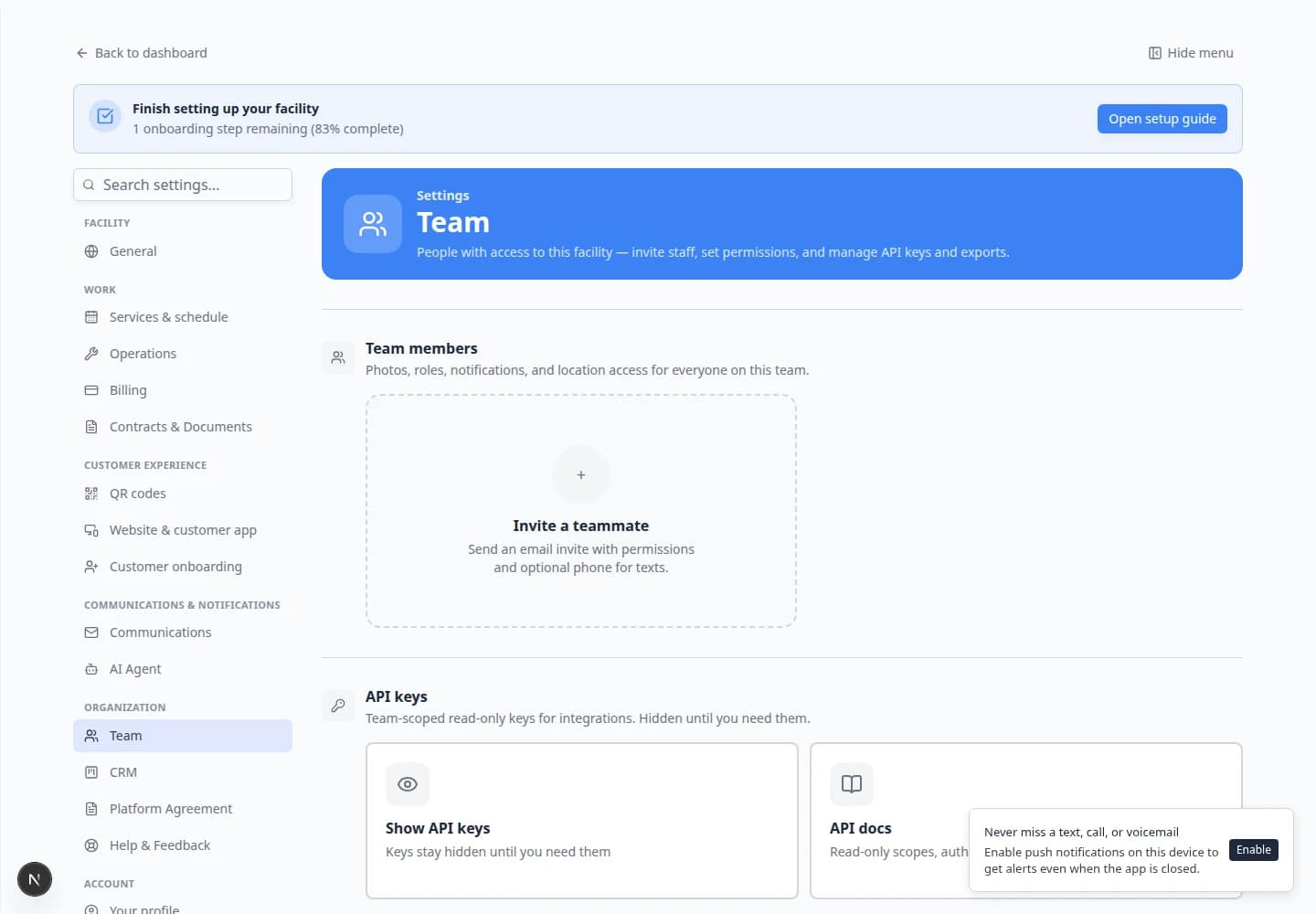
Set team defaults to All scheduled with email on for coordinators, then have porters switch to Assigned to me with push enabled on their phones. When someone complains about noise, Custom lets them mute low-priority event types without missing Event assigned or inbound inbox alerts.
Learn more
Questions about this update?
Book time with our team or browse the rest of the changelog.