Product update
Registration on complete choices
After a public registration submit, choose Email and start onboarding or Save as a lead—Settings → Customer onboarding, On complete.
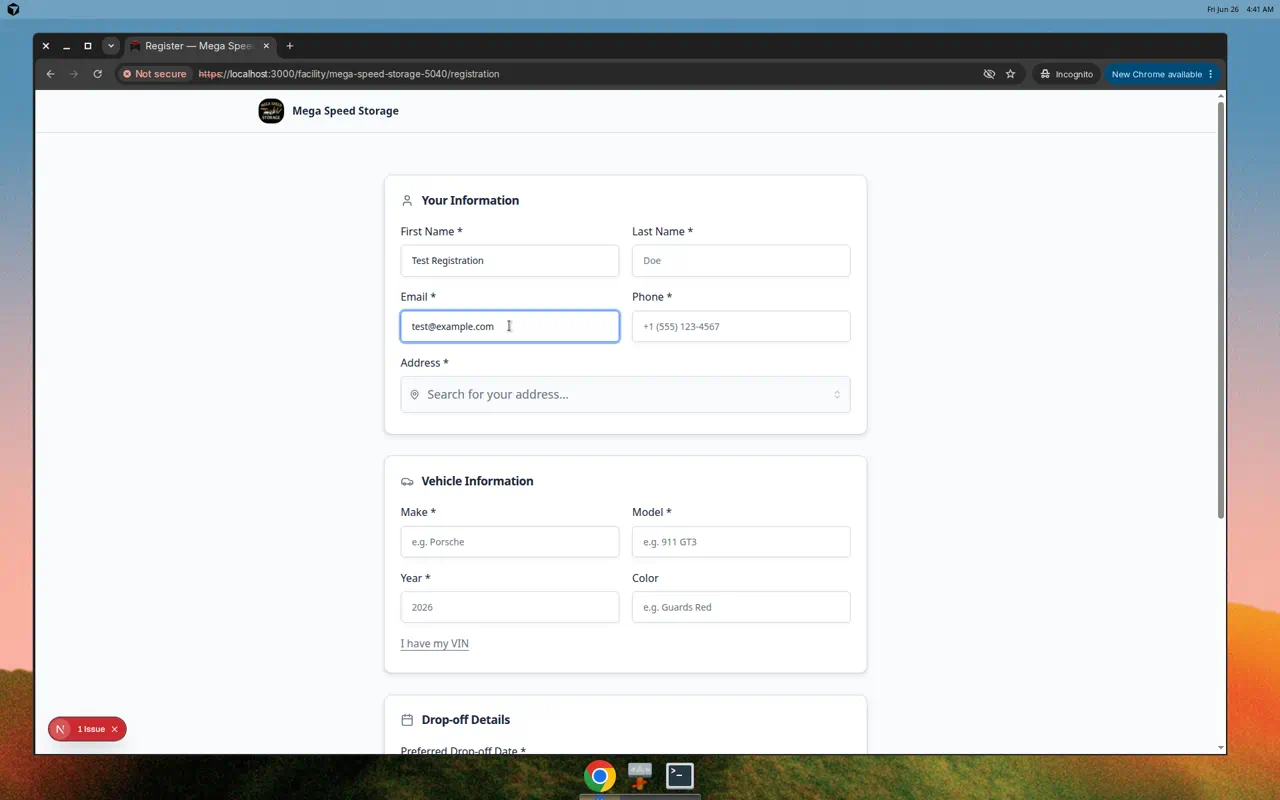
Public signup can mean instant portal access—or a queue for your sales team to vet first.
Why we built it
Facilities differ on when a prospect becomes a full customer. On complete in Settings → Customer onboarding is now an explicit choice between two cards:
- Email and start onboarding — sends the welcome email with a sign-in link, sets the relationship as customer, and enables customer portal access so they can finish your configured onboarding steps.
- Save as a lead — creates the contact (and submitted vehicle data) for review in Contacts without auto-inviting them to the portal. Staff follow up and send a portal invite when ready.
Either way, your team gets the usual registration notification so nothing lands silently.
Who it is for
- High-touch storage teams that qualify every inquiry before portal access.
- Facilities with a self-serve signup link who want immediate onboarding after submit.
- Admins pairing this with Review and approve registration requests workflows.
What you can do
- Select Email and start onboarding when welcome email + first-login steps should run automatically (default-friendly for self-serve signup).
- Select Save as a lead when new records should stay in lead stage until staff promotes them.
- Switch modes anytime; only new submissions follow the current selection.
- Combine with form cards and optional address on signup to tune what you collect before either path runs.
How it fits your day
Run a marketing campaign with Save as a lead, call each prospect, then invite the fits from Contacts. Flip to Email and start onboarding for an open-house weekend when you want zero manual gatekeeping. Returning registrants who already have portal access keep their access when saved as a lead.
Learn more
Questions about this update?
Book time with our team or browse the rest of the changelog.