Product update
Team mentions and quick task editing
Mention teammates in activity notes and quick tasks so the right person gets notified, and rename quick tasks inline from the dashboard Tasks panel.
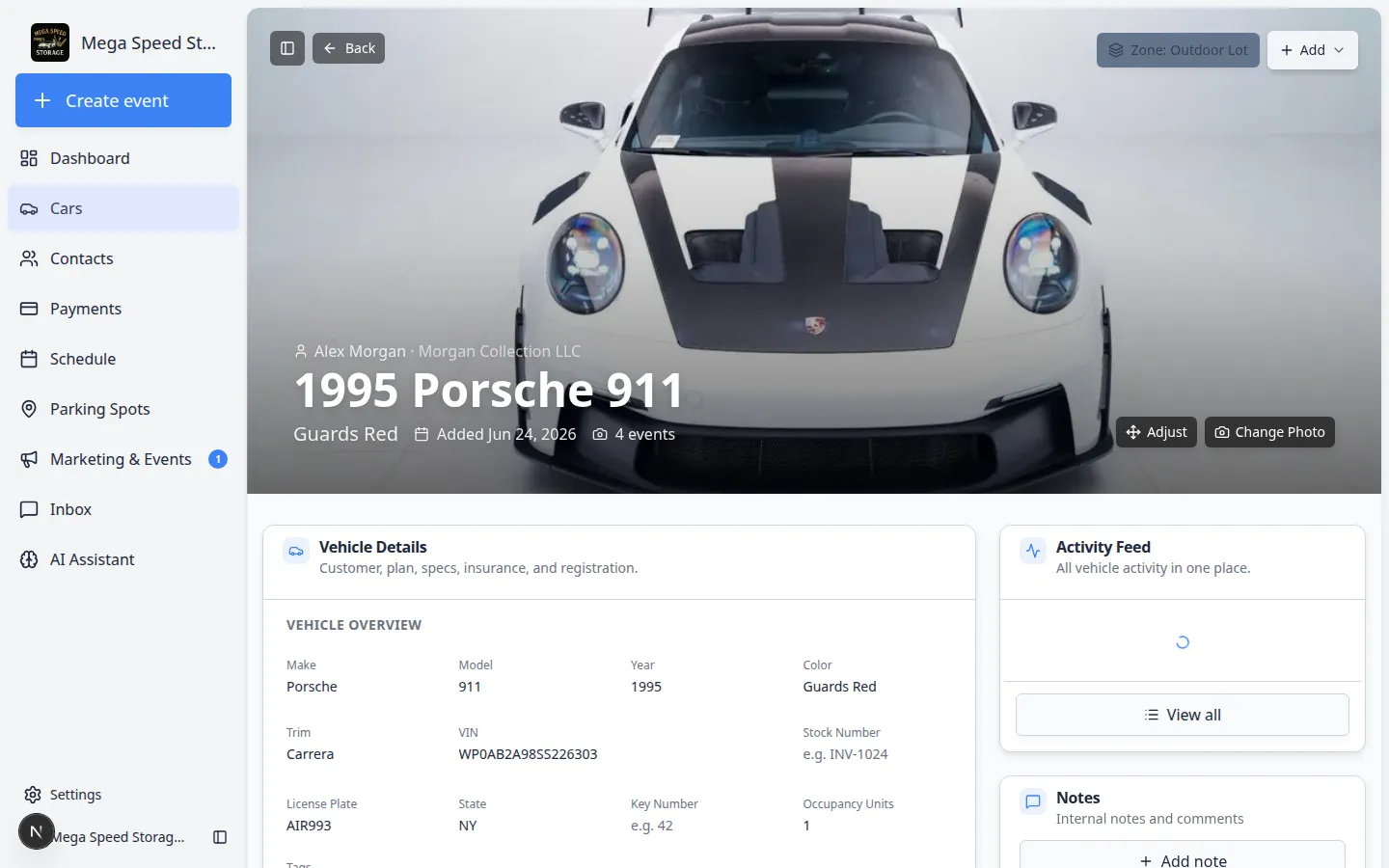
The best handoff is the one the right teammate actually sees—not a sticky note on your monitor.
Why we built it
Floor and office staff already logged work on cars in Activity Feed notes and quick tasks, but follow-up often stalled when nobody was explicitly looped in. Team mentions and quick task editing adds @mentions when you write activity notes or create quick tasks, so named teammates get notified instead of hoping someone reads the feed later. On the Dashboard Tasks panel, click a quick task title to rename it in place when the wording was rushed—without reopening the full task dialog.
Who it is for
- Shop leads assigning battery checks, registration calls, or vendor follow-ups from a car record.
- Front desk staff adding internal notes on a customer or vehicle timeline.
- Managers who live in the dashboard Tasks widget and need titles to stay accurate as priorities shift.
What you can do
- In Activity Feed on a car, customer, or session, type @ while adding a note and pick a teammate from the suggestion list.
- When you create a Quick task from Add → Quick task, type @ in the text box to notify assignees—same pattern as in Start a car session.
- See @names highlighted in posted notes so the feed scans quickly during shift change.
- On the dashboard Tasks panel, click a task title to edit and autosave; use ⌘⇧K / Ctrl+Shift+K for the full quick task dialog when you need due dates or links.
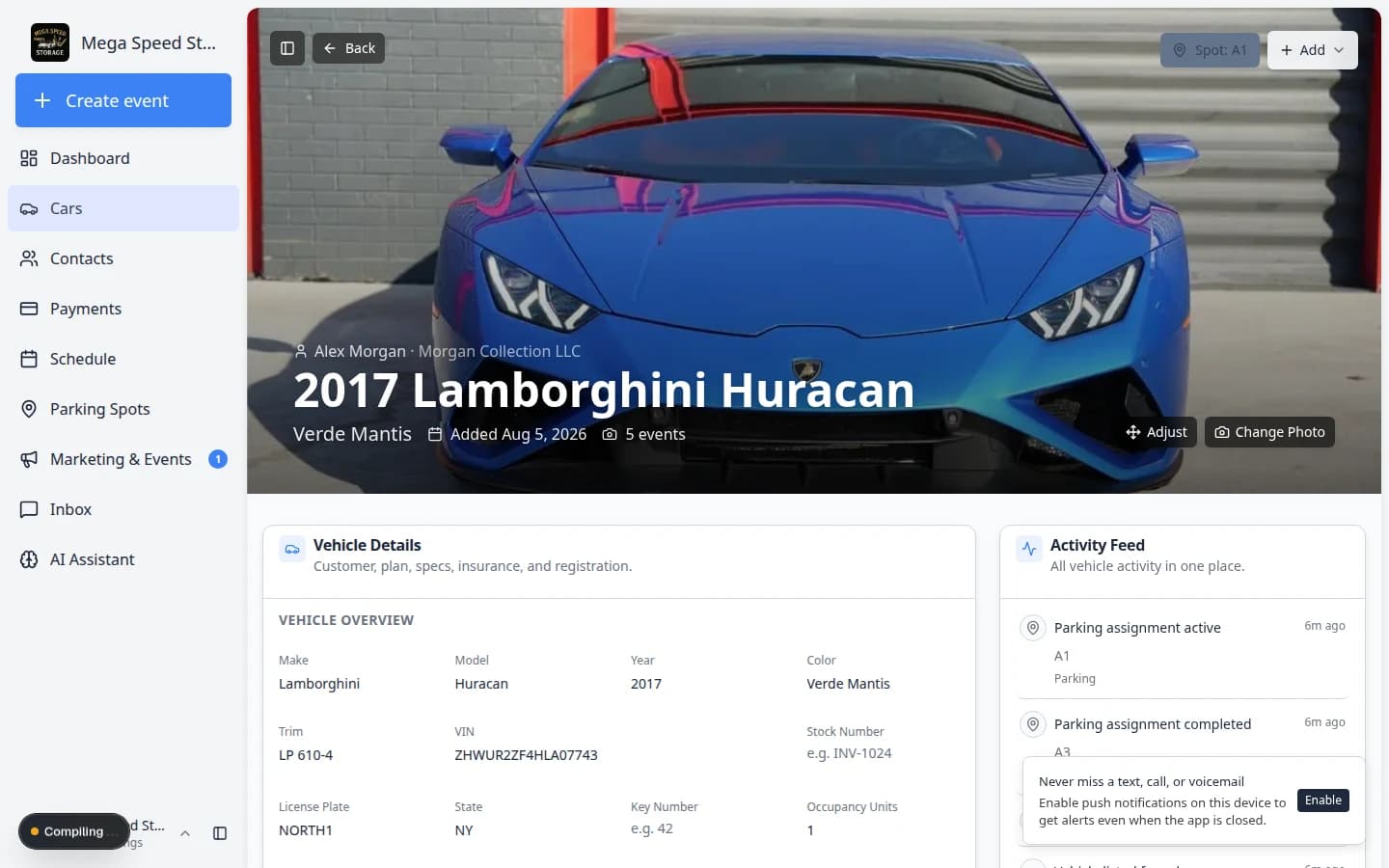
How it fits your day
Mentions work best for actionable pings (“@Sam confirm tender connected”). Keep long policy or customer-sensitive text in Internal only notes as described in Review car activity, notes, and photos. Quick tasks still appear on Schedule and in the car Activity Feed when created from that vehicle—rename them on the Tasks panel if the first line you typed was shorthand.
Get started
Add a Tasks panel on Customize your Overview dashboard if your team does not already have one. Practice @mentions on the next internal note or quick task you create from a car you are actively working.
Questions about this update?
Book time with our team or browse the rest of the changelog.