

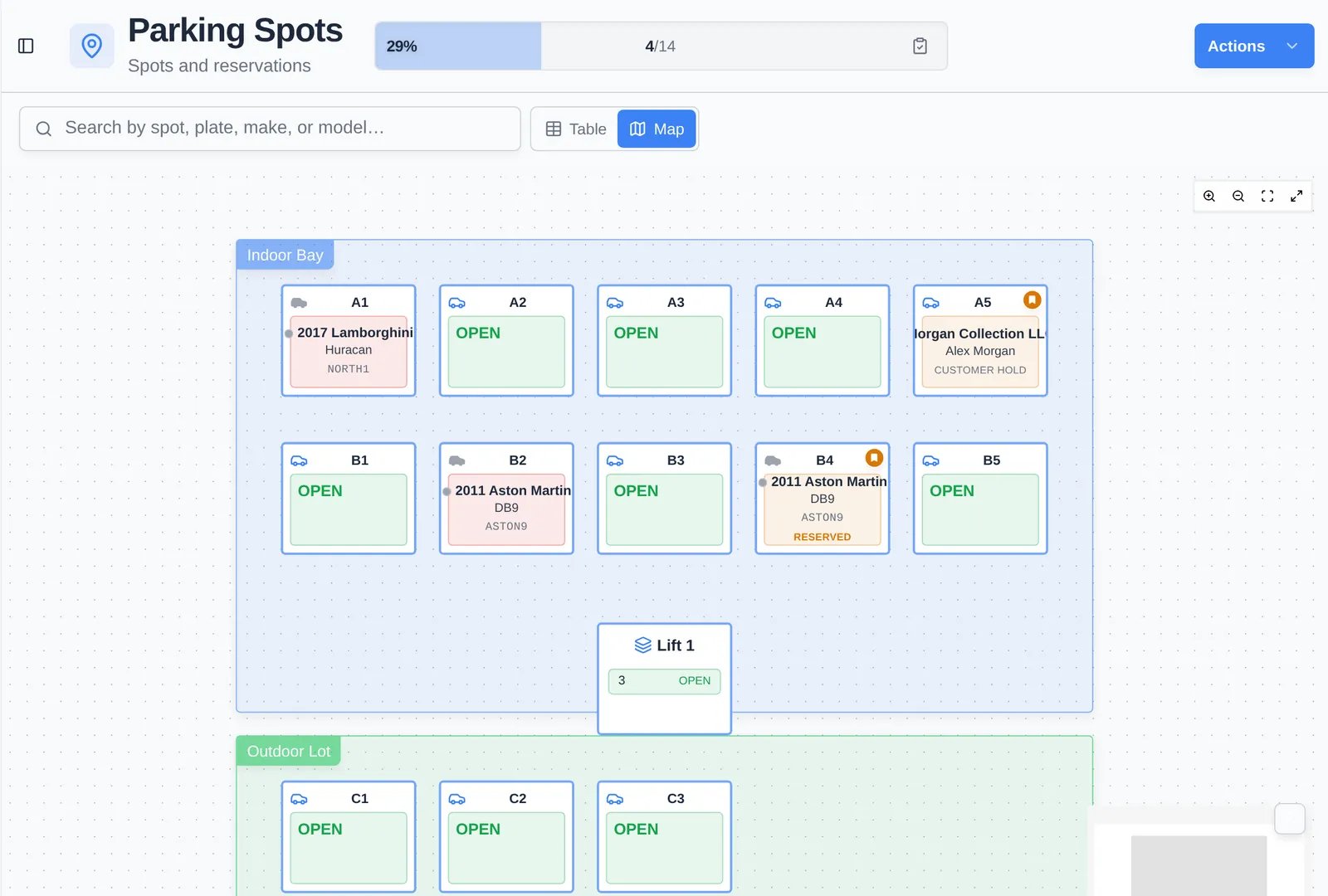
Key terms
- Zone — An area such as “Indoor Bay”, “Building A”, or “Outdoor Lot”. A car can be parked in a zone without a specific spot, and a zone can have extra capacity for that.
- Spot — One numbered space, optionally inside a zone. A spot can be a lift spot (with its height) or a motorcycle spot, and can carry tags.
- Assignment — The link between a car and a spot or zone. Assignments keep a history, so you can see every car that has used a spot and every spot a car has been in.
- Reservation — A spot held for a specific car or customer, even when it’s empty. Reserved spots show RESERVED or CUSTOMER HOLD on the map.
- Vendor assignment — A car that’s out with an outside vendor (detailer, body shop, transporter) instead of in a spot.
- Occupancy — How many spots are filled. The bar at the top of Parking Spots shows it as a percentage and a count.
- Floor plan — The map layout: where zones, spots, walls, and labels sit. You draw it in Settings → Parking map.
- Parking audit — A walk-through where staff confirm each spot’s car, mark spots empty, or correct mistakes.
- Location — On multi-location teams, each location has its own spots, zones, and floor plan.
How parking connects to everything else
Common setups
- Single building — One zone per floor or row, numbered spots, a lift zone for stacked cars.
- Indoor and outdoor pricing — Separate zones for indoor and outdoor, matching separate storage products in billing.
- Concierge collection — Spots reserved for a customer’s collection, so staff aren’t offered them for other cars.
- Monthly audit — A parking audit at the start of each month to catch cars moved without a record.