

Before you start
- Comps come from the car’s Classic.com market data. Open the car’s Market Data block first and make sure it’s matched to the right market.
- The Valuation block must be on in Settings → CRM → Car page (it’s called Valuation summary there).
Build it
1
Start the appraisal
On the car page, scroll to Valuation and click Build appraisal. A draft opens full screen, already filled with the car’s details, up to 8 photos, and the best-matching comps.
2
Vehicle
Check Year, Make, Model, Trim, Mileage, Color, and VIN. Click Continue.
3
Photos
Click photos to include them, in the order you want (up to 24). Damage only picks just the damage photos; Clear starts over.
4
Comps
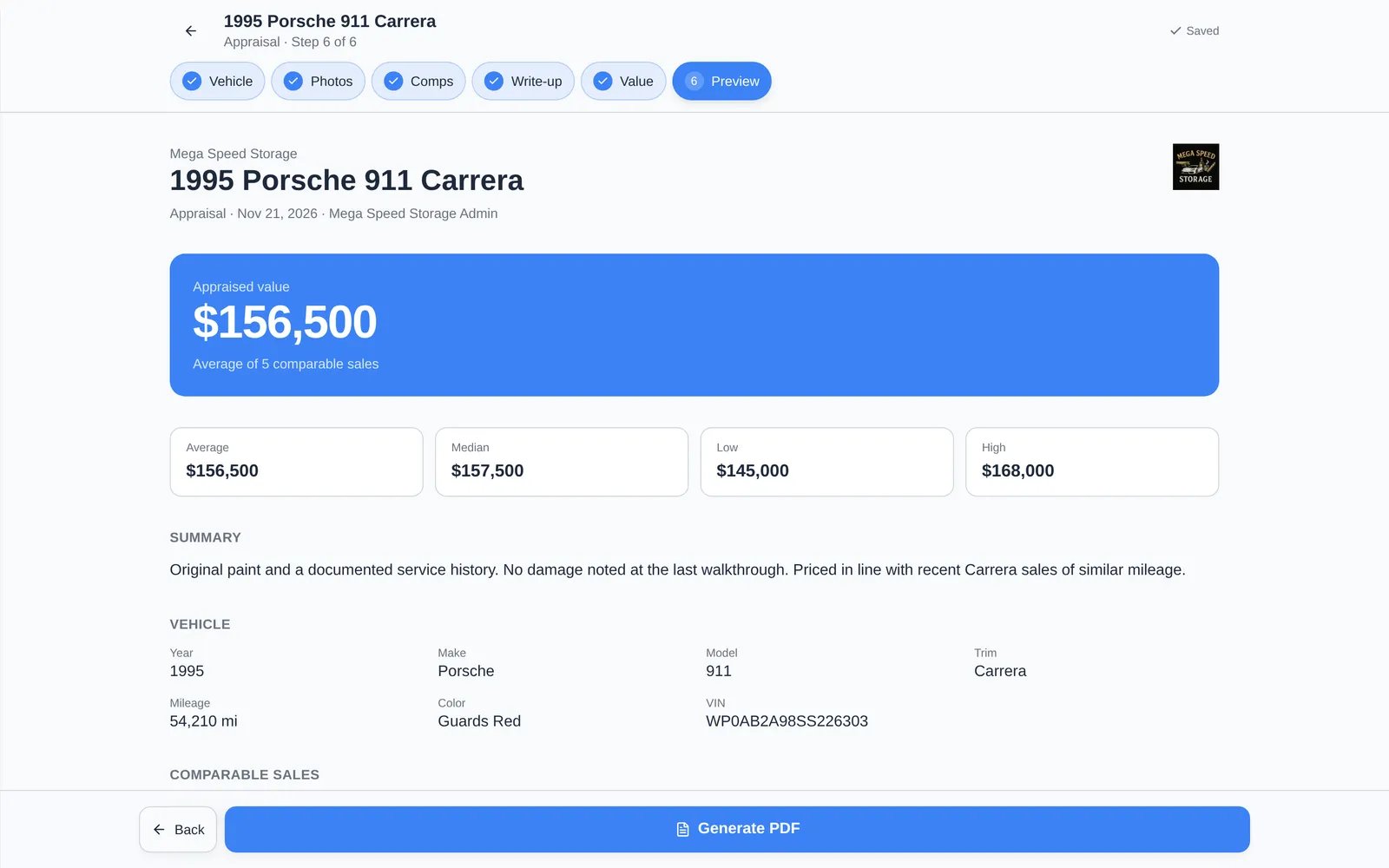
The Top match sales are selected for you. Tick or untick sales, search, use Filters, or sort by Best match, Newest, or price. Top matches resets the selection. The average and range at the top update as you go.
5
Write-up
Describe condition, history, and how the comps compare (up to 8,000 characters).
6
Value
Choose Comps average, or Set my own and enter the Appraised value.
7
Preview
Check the finished document. Set sharing (below), then click Generate PDF. When it’s ready, click Download PDF.
Share it
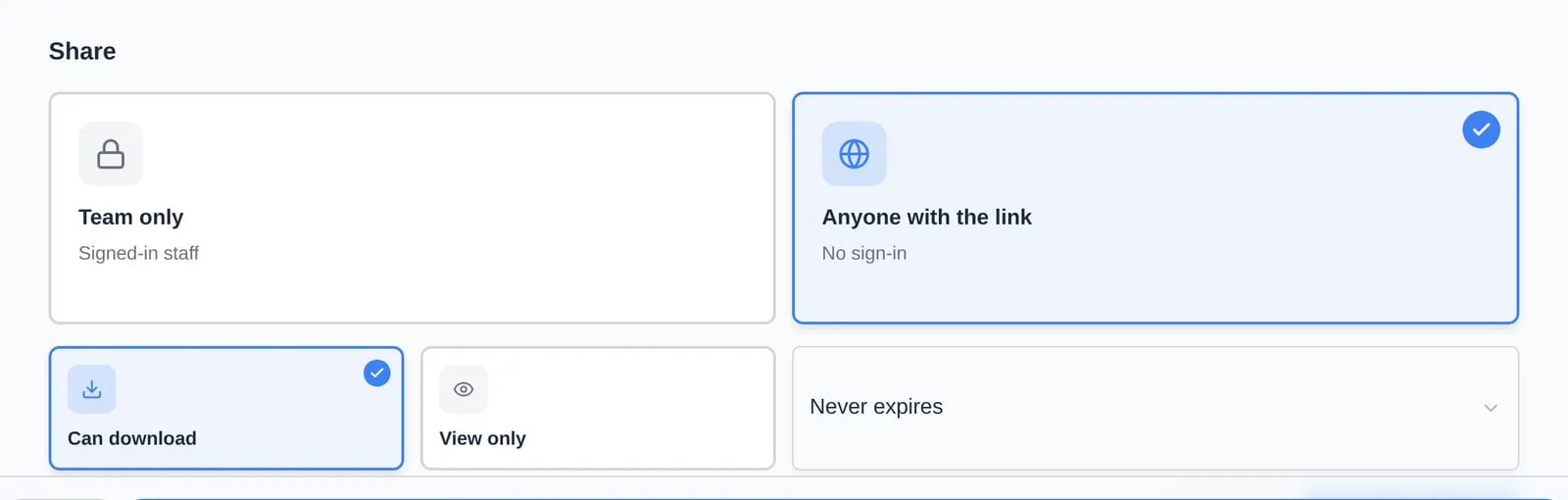
At the bottom of the Preview step, under Share:- Team only (default): only signed-in staff can open the link.
- Anyone with the link: no sign-in needed. Then choose Can download or View only, and when the link expires (Never expires, 7 days, 30 days, or 90 days).
Find past appraisals
Appraisals are listed under Appraisals in the car’s Valuation block, with the value, date, author, and a Draft or Shared badge. Click one to reopen it.The automatic valuation report
The Valuation block also has Download valuation report (and it’s in Download PDF → Valuation report at the top of the car page). It’s a PDF built automatically from the declared or market value, comparable sales, specs, odometer history, condition photos, and recalls. Nothing to fill in. A report made in the last 24 hours is reused; click Refresh data in the message to make a new one.Troubleshooting
- “No Classic.com market linked” on the Comps step. The car has no market data yet. Load it in the Market Data block, then come back.
- “Up to 24 photos”. Untick some photos first.
- “Value is too high…” The most an appraisal can show is $1,000,000,000.