

Before you start
Turn on Required in the template’s Signing options. Use Required for to limit it to certain CRM customer types. See Create a contract template.Master and per-car agreements
The One per car switch on a template decides what “covered” means:
A customer can need both. For example, one master membership agreement plus a storage agreement for each car.
Send what’s missing
1
Open the customer
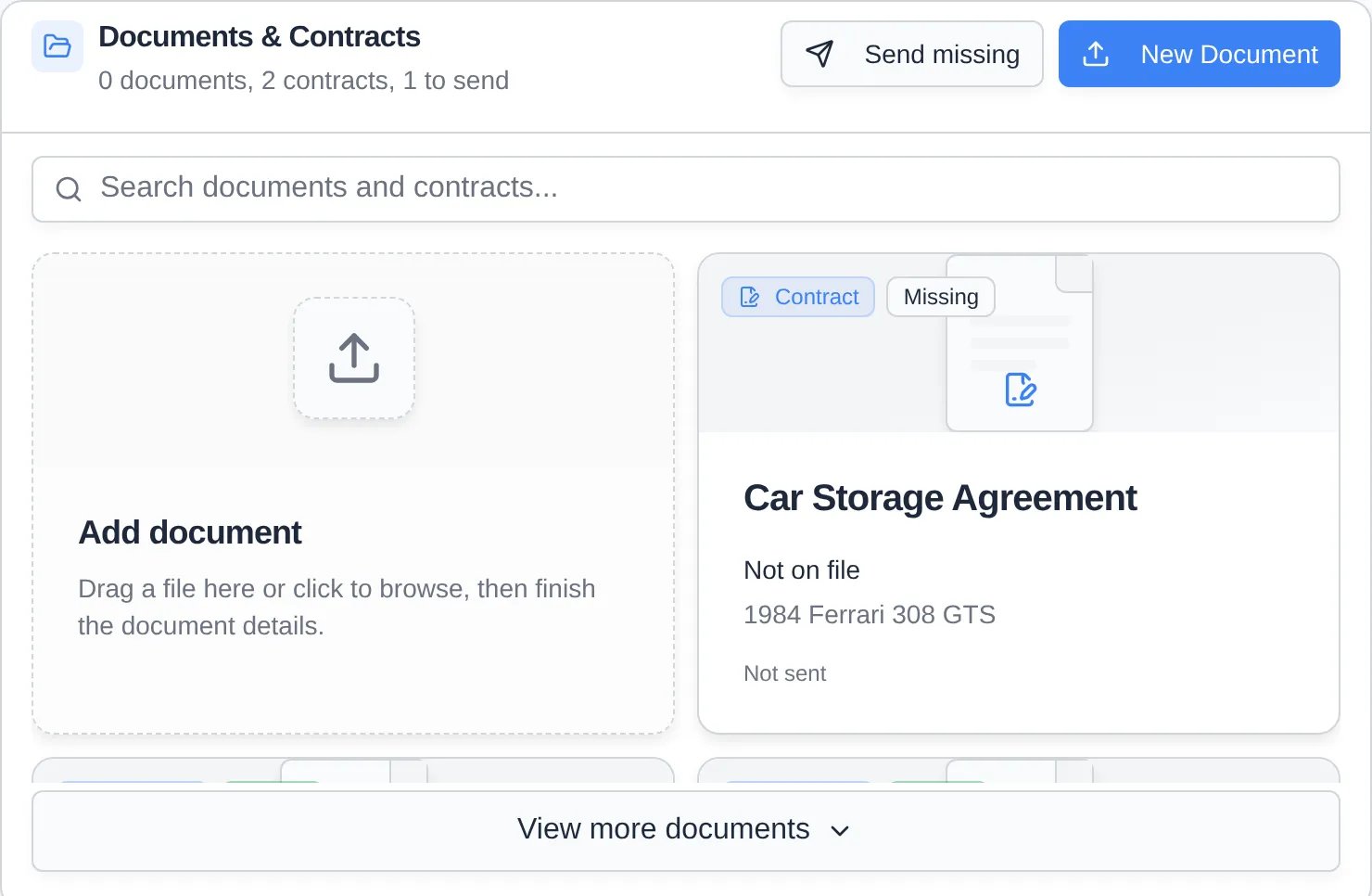
Go to the customer in Contacts and scroll to Documents & Contracts. The heading shows how many agreements are to send. Each one has a Missing or Expiring card. Per-car cards also name the car.
2
Click Send missing
It’s top right of the section. The app builds one signing link with every missing agreement: the master agreement once, plus a copy of each per-car agreement for every car that lacks one. Anything already out for signature is skipped.
3
Fill in anything your team must provide
If the agreements need your team’s signature or a staff-filled field, a Send missing panel opens. Fill each field, add Your signature and Your initials if asked, and click Send.
When a car leaves or a customer is archived
- Archiving, selling, or deleting a car voids every unsigned contract that includes the car, even a contract that covers several cars (the whole contract is voided), and ends its signed per-car agreements. Signed PDFs stay on file, marked voided. Signed master agreements aren’t affected.
- Archiving a customer voids their contracts. The Archive confirmation shows how many, as Void 2 contracts.
Turn off missing alerts for one customer
For seasonal or one-time customers who shouldn’t be chased, open the customer’s CRM Information card and turn off Required agreements. They stay on your list without Missing cards.Troubleshooting
- “Already out for signature”: every missing agreement already has a sent copy. The customer just needs to sign it.
- “Saved as draft. Finish it to send.”: an agreement needs something the panel can’t collect, such as a payment plan. Click Open in the message and finish it on the contract page.
- No Send missing button: the customer has nothing missing, the template isn’t Required for their customer type, or Required agreements is off for them.