

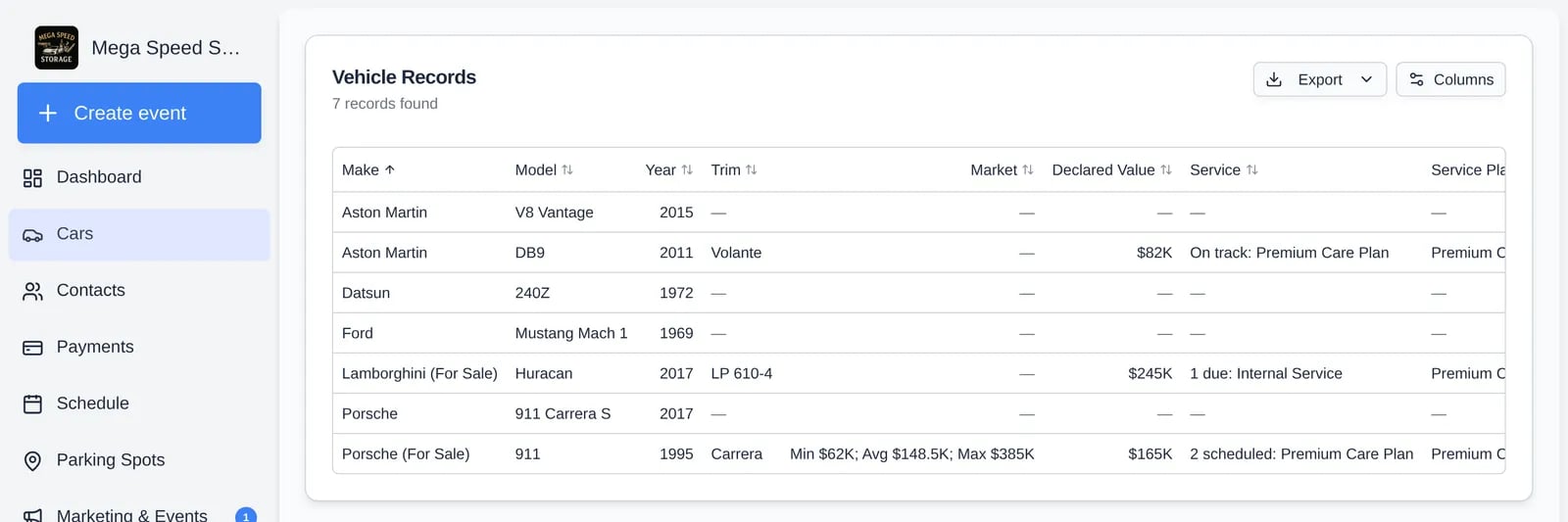
What is included
- Every car that is not archived. Archived cars are not in this report; see Archive or restore a vehicle.
- The whole report loads at once, regardless of how many cars you have. There is no date range and no search or filter. Sort by clicking a column header, and use Columns to choose what shows.
- Your column choice and order are saved to your login and used by the export.
Columns
Empty cells show a dash.
Export
Click Export and choose Export as CSV or Export as Excel.- Files are named
cars-report-<today>.csvor.xlsx(Excel sheet name Cars). - They contain all cars, in the current sort, with only the visible columns in their order. “Select at least one column to export” appears if you hid all of them.
- Values are written as shown on screen, including formatted amounts such as
$82Kand dates in your facility’s date format, so numbers like Declared Value are text in the file.