

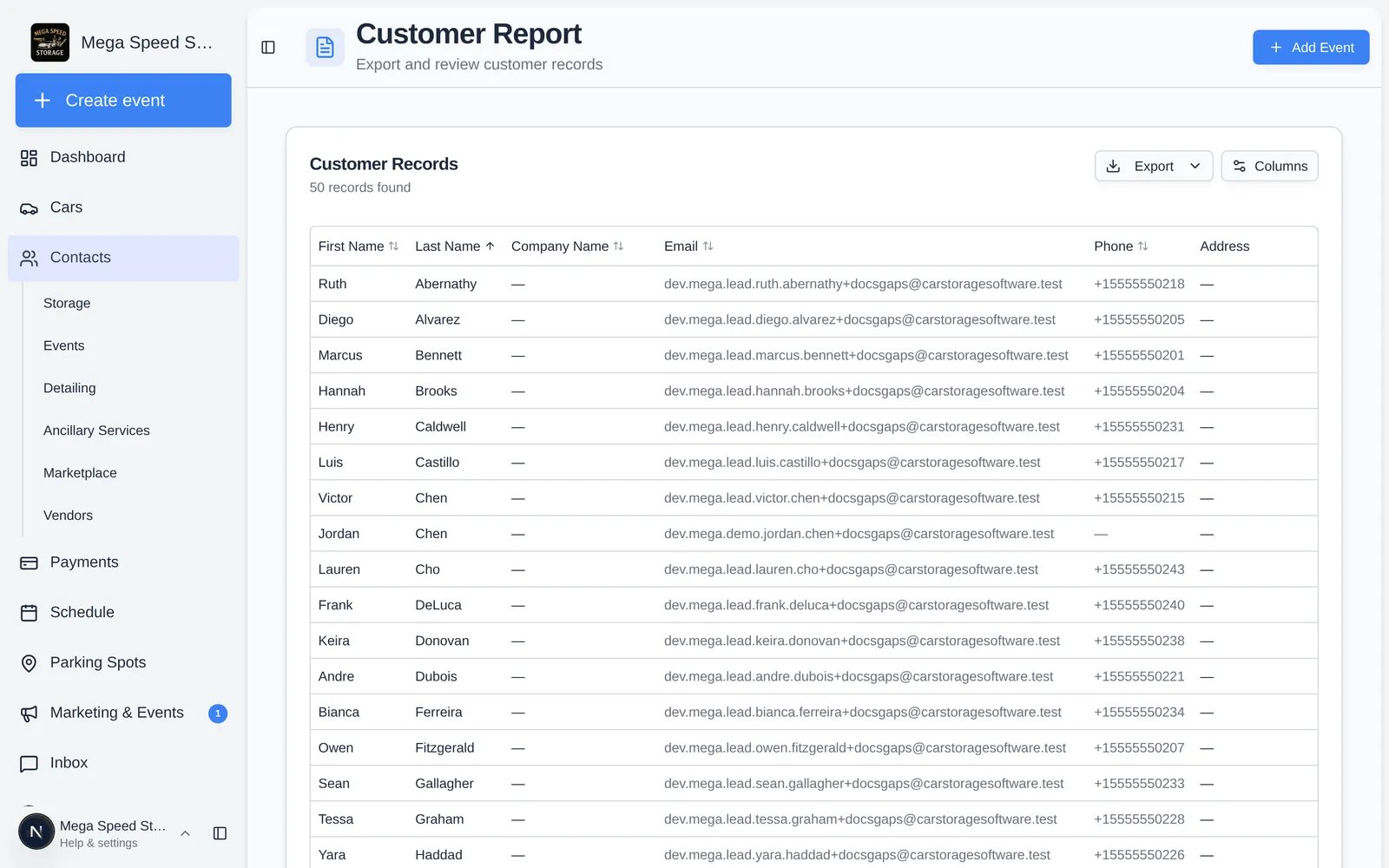
What is included
- Every contact that is not archived, including leads. Archived contacts are left out.
- The full list loads at once. There is no date range or filter. Sort by clicking a column header and use Columns to choose and reorder columns. Your choice is saved to your login and drives the export.
Columns
The Payment Method and Monthly Recurring columns are looked up from Stripe in batches after the table loads, so they can fill in a moment after the rest. Hiding a column skips its lookup.
Export
Click Export → Export as CSV. The file iscustomers-report-<today>.csv, holds the visible columns in order, follows your sort, and writes empty cells as -. Monthly Recurring is written as text like $895.00 with a dollar sign regardless of your currency.
This report only exports CSV. For Excel, or the CRM stage, source, and customer-type columns, use Contacts under Data export in Settings.