

Before you start
- Stripe payments are connected (Connect Stripe payments).
- You have the Payments permission in Car Storage Software.
- You can sign in to the QuickBooks Online company as an admin. Have your bookkeeper with you for the account mapping step.
Connect
1
Open the QuickBooks Online card
Go to Settings → Integrations and click QuickBooks Online (in the Accounting group).
2
Turn it on
Turn on Enable this integration at the bottom of the dialog. If QuickBooks Desktop or Xero was on, the switch reads Replace … and that integration is turned off.
3
Sign in with Intuit
Click Connect QuickBooks Online, sign in, and choose the company. You come back to Integrations and the card shows Connected.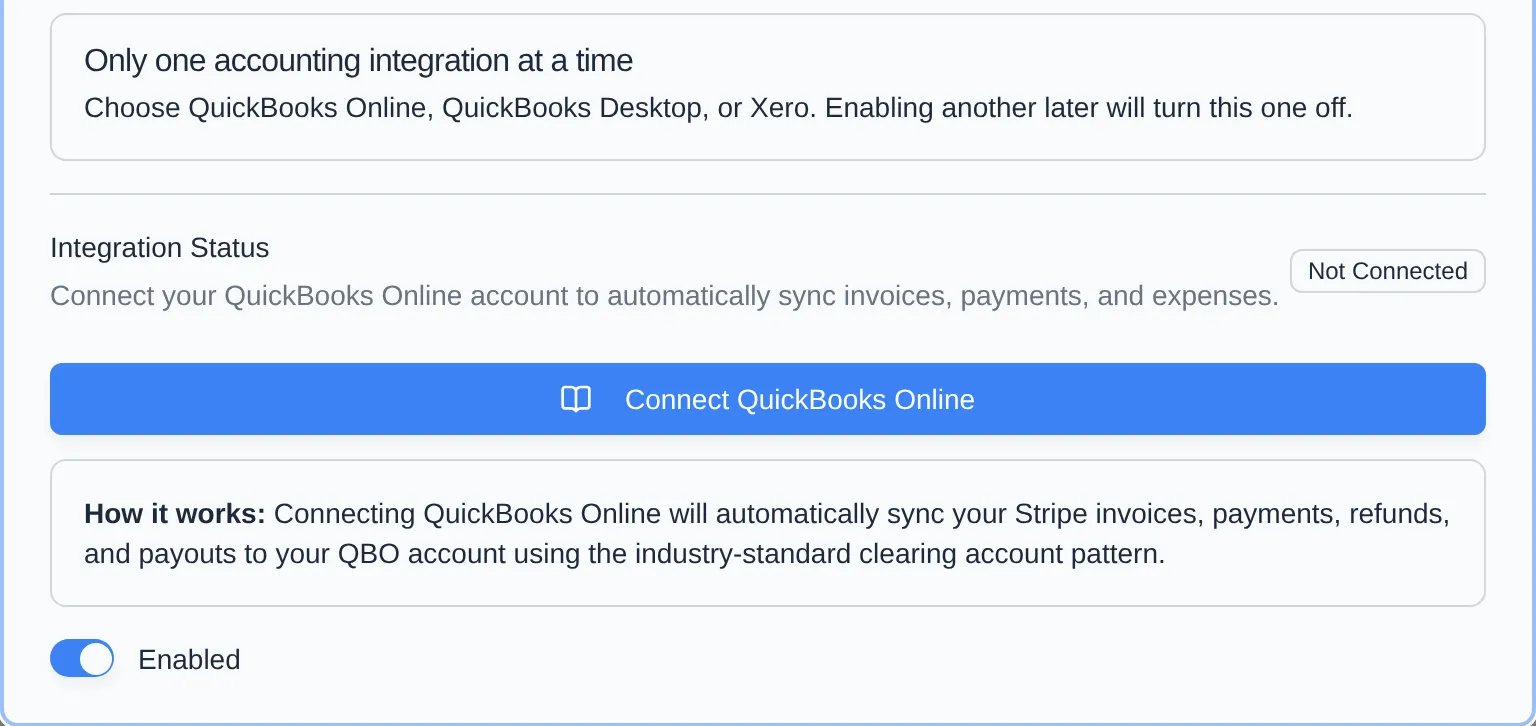
4
Check the account mapping
Reopen the card. Under Account mapping, pick where each kind of money lands. On first connect, Car Storage Software finds or creates a Stripe Clearing account, income account, and fee expense accounts, so most fields are already filled in.
5
Run the first sync
Click Full Sync to send the last 12 months now, or wait — a full sync also runs every 4 hours.
Account mapping fields
Each field saves when you choose an account. Search by name or account number. If you just added an account in QuickBooks, click Refresh.