Connect Xero when your books are in Xero and you want billing to post there on its own. For what syncs and how to read sync history, see Accounting integrations.

Before you start

  • Stripe payments are connected (Connect Stripe payments).
  • You have the Payments permission in Car Storage Software.
  • You can sign in to Xero with access to the right organisation. If you run more than one entity, know which one this facility belongs to.

Connect

1

Open the Xero card

Go to Settings → Integrations and click Xero (in the Accounting group).
2

Turn it on

Turn on Enable this integration. If QuickBooks Online or Desktop was on, the switch reads Replace … and that integration is turned off.
3

Sign in to Xero

Click Connect Xero. On Xero’s consent screen, pick the organisation from the dropdown and approve access.
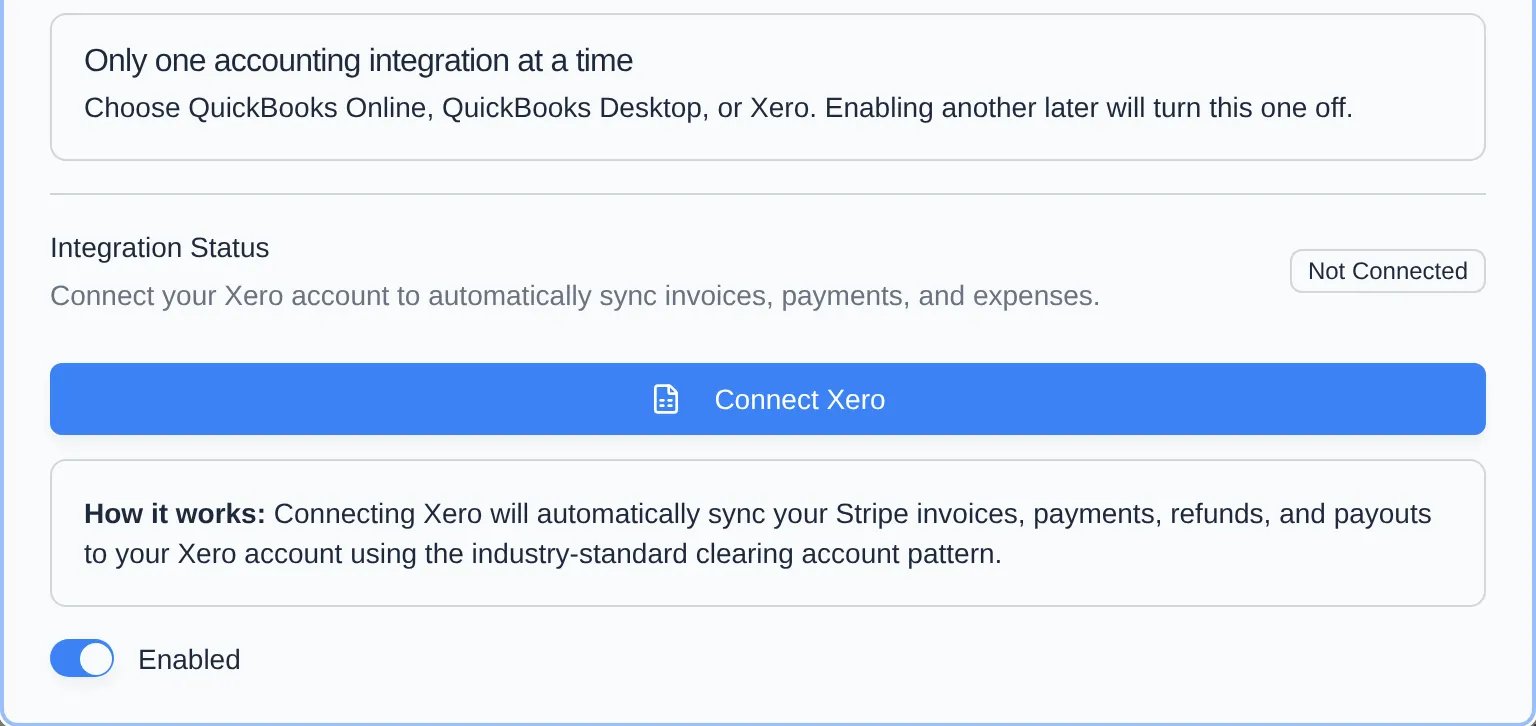
Xero dialog with the integration enabled, status Not Connected, and the Connect Xero button
4

Confirm the organisation

Back in Car Storage Software, a Confirm Xero Organisation box (or Select Xero Organisation if you have several) lists what Xero shared. Select the right one and click Confirm & Connect (or Connect). Syncing doesn’t start until you do.
5

Run the first sync

Click Full Sync to send the last 12 months now, or wait — a full sync also runs every 4 hours.
On first connect, Car Storage Software finds or creates the accounts it needs in Xero: a Stripe Clearing bank account, a services revenue account, and expense accounts for Stripe processing fees and platform fees.

Tracking categories

If you use Xero tracking categories, set them on Payments → Products under Xero Tracking Categories: a Default Tracking Option for every line, and per-product overrides under Product Tracking Mappings.

Disconnect

Open the card and click the plug icon next to Full Sync (Disconnect Xero), then confirm. Sync records are kept.

Troubleshooting

The wrong organisation is listed. Click Reconnect with a different organisation, and on Xero’s consent screen choose the correct organisation before approving. “Daily API budget is low.” Xero allows 5,000 API calls per organisation per day. The card shows Daily API Budget remaining; under 500, syncing may pause until the budget resets at midnight UTC. It catches up on its own. Status says Inactive. Click Reconnect Xero. Past records are picked back up automatically.