

What you will accomplish
- Add a market interest on a customer record with year, make, model, and optional budget.
- Read the Market Interests table on the customer page.
- Understand status labels such as active, paused, and fulfilled.
- Know how market interests differ from tags, notes, and marketplace listings.
When to use market interests
- A collector asks you to “keep an eye out” for a specific model or trim.
- A customer is shopping your marketplace but has not found the right car yet.
- Your sales team needs a written wish list tied to the correct person—not a sticky note at the front desk.
- You want one place to see budget and vehicle details before calling the customer about a new arrival.
Market interests are not inventoryAdding a market interest does not list a car for sale. It records what a customer wants to buy. To publish a vehicle publicly, use Publish marketplace listings.
Before you start
- The customer exists in Contacts.
- You know the year, make, and model the customer described (approximate is fine to start).
- Ask for a budget range when it helps your team filter opportunities.
Open Market Interests on the customer record
1
Open Contacts
Click Contacts in the sidebar and open the customer—for example from All Contacts.
2
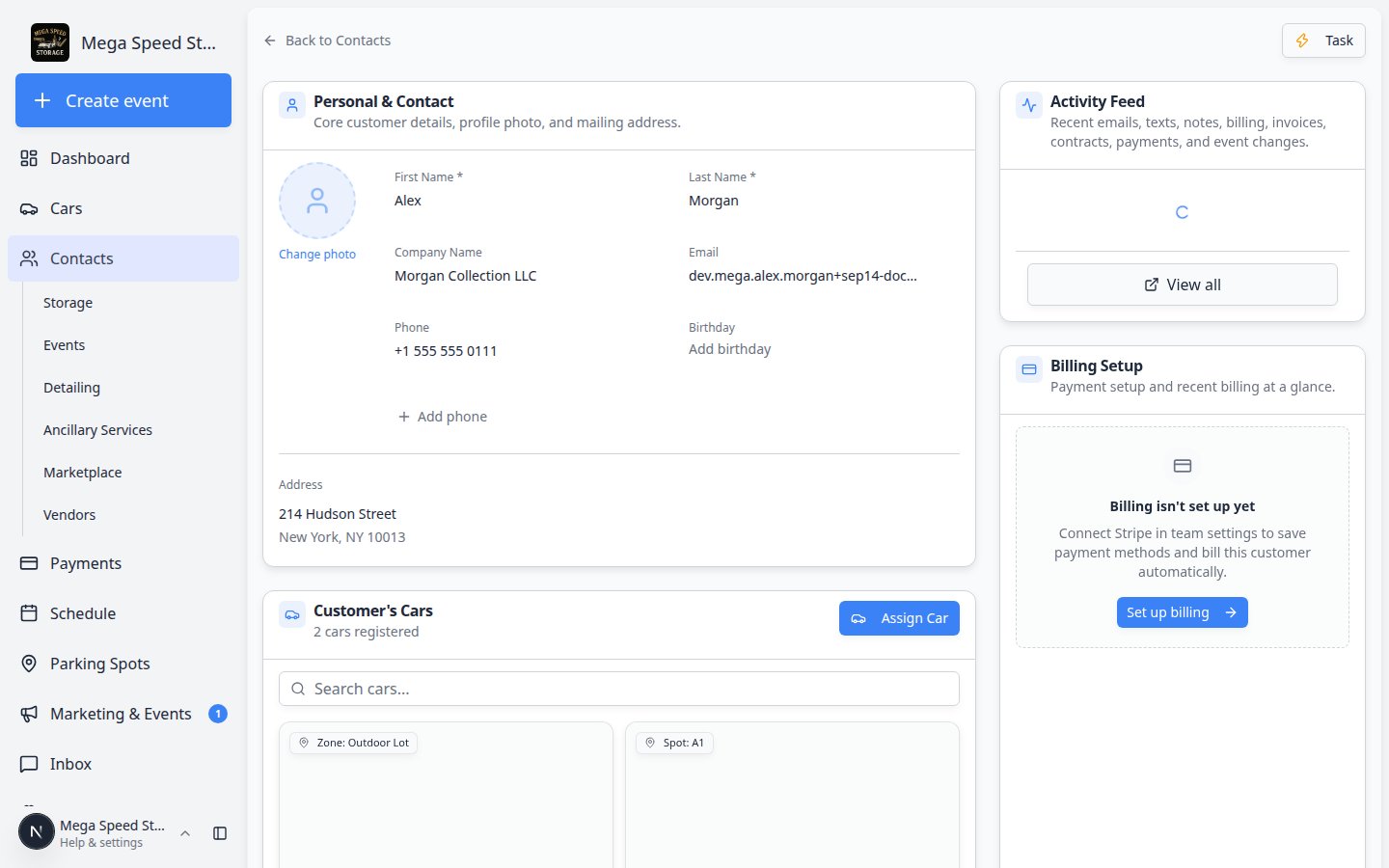
Scroll to Market Interests
Scroll down the customer page until you see the Market Interests section.Expected result: You see a table with columns such as Vehicle, Budget, Status, Notes, and Created—or an empty state with Add Interest.
Add a market interest
1
Click Add Interest
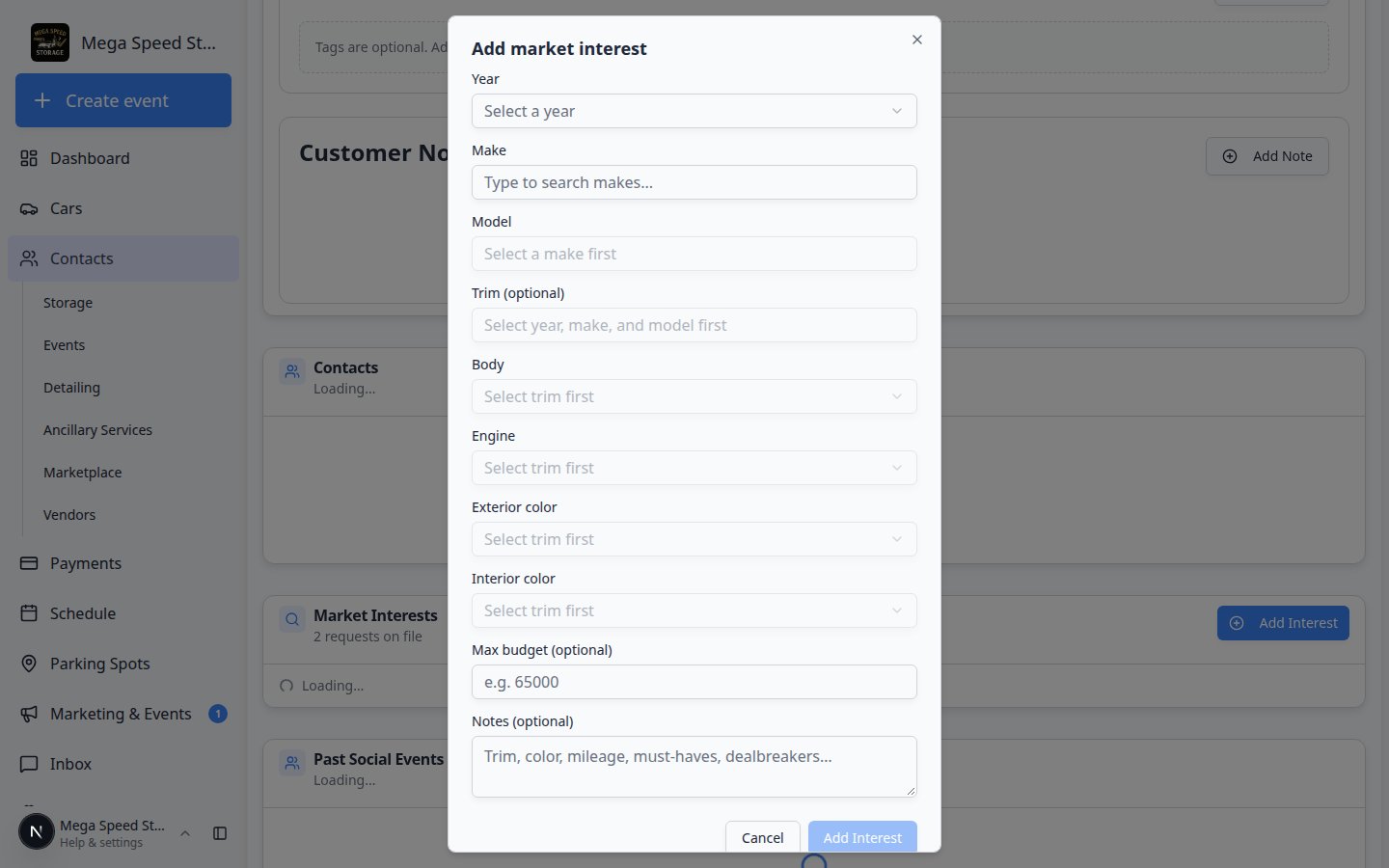
In the Market Interests section header, click Add Interest.Expected result: A window titled Add market interest opens.
2
Choose Year, Make, and Model
- Year — pick from the dropdown (for example 2020).
- Make — type to search makes (for example Porsche).
- Model — type to search models (for example 911).
3
Add Trim (optional)
If the customer cares about a specific trim (for example GT3 RS), choose Trim when the field is available.Skip trim when the customer is flexible.
4
Enter Budget (optional)
Type the maximum budget the customer mentioned.Expected result: The amount saves in your facility’s currency. Leave blank if the customer did not share a number yet.
5
Add Notes (optional)
Use Notes for details that do not fit in the dropdowns.Examples: “Manual transmission only”, “Open to Spider variant”, “Needs to fit in existing storage spot”.
6
Save the interest
Click the save button at the bottom of the window (often Add interest or Save).Expected result: A new row appears in the Market Interests table with status active.
Understand status labels
Each interest has a Status badge in the table.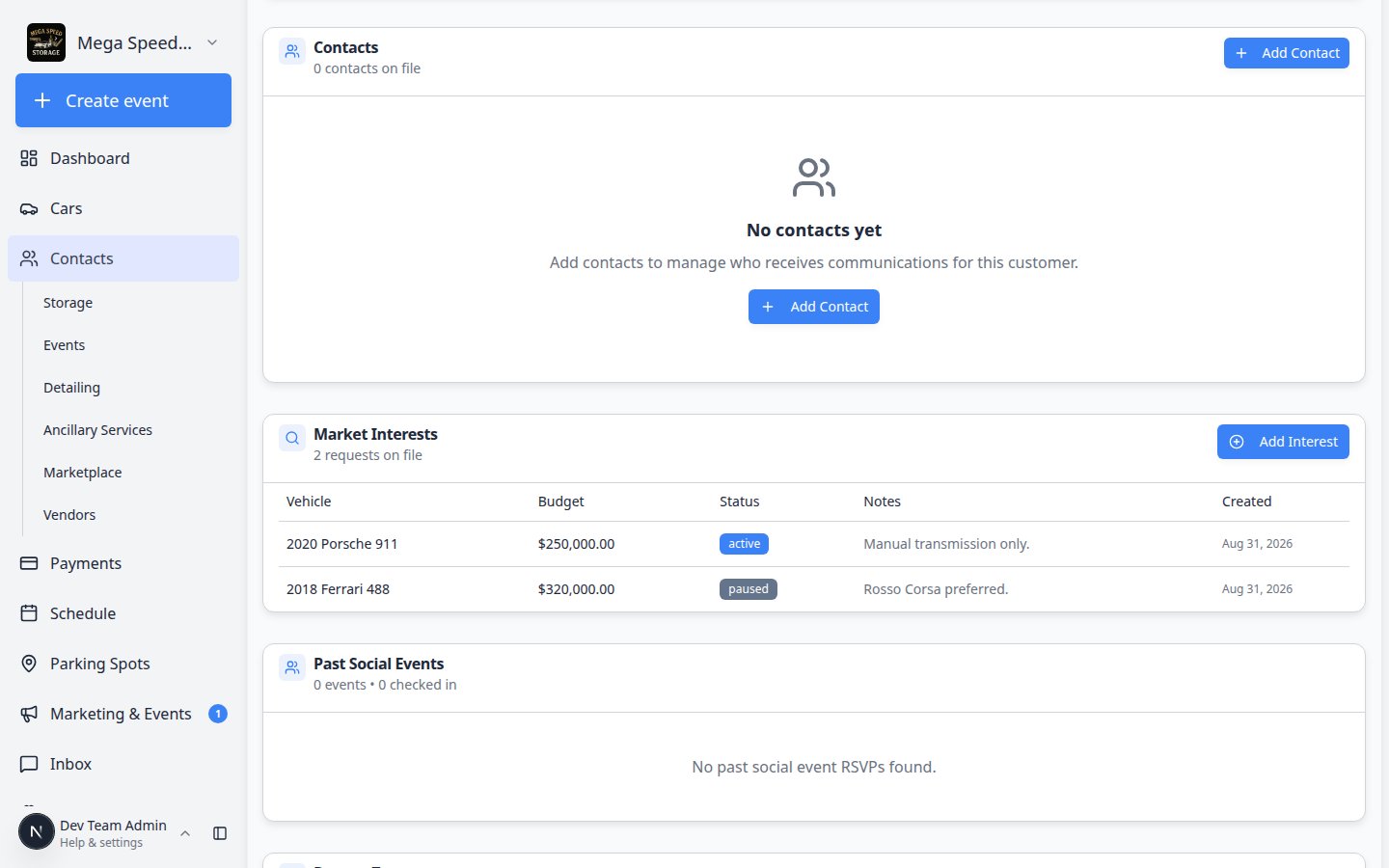
Update or remove a market interest
When a customer changes their mind, you can update the row on their record without creating a new customer.1
Open the customer's Market Interests table
Go to All Contacts, open the customer, and scroll to Market Interests.Expected result: You see each vehicle wish list as its own row with Vehicle, Budget, Status, and Notes columns.
2
Open the row you need to change
Click the row (or the edit action on that row) for the interest you want to update.Why this matters: Keeping one row per vehicle prevents duplicate outreach when two teammates both think they should call about the same Porsche.
3
Change Status when their plans change
Pick the status that matches what the customer told you:
- active — still shopping
- paused — asked to wait; check back later
- fulfilled — they bought a matching car through your facility
- cancelled — no longer looking for this vehicle
4
Update budget or notes when details change
If the customer raised their budget or added trim requirements, edit those fields on the same row.Why this matters: A stale budget causes your team to skip cars the customer would actually buy—or call about cars above their range.
5
Save and confirm on the customer page
Save your changes and stay on the customer record long enough to confirm the table looks right.Expected result: The updated status appears in Market Interests and in the customer’s Activity timeline.
What success looks like
- Every serious buyer has at least one market interest on their record—not only a verbal promise.
- Budget and trim notes match what the customer said on the phone or in person.
- When a matching car arrives, any teammate can open the customer and see the wish list immediately.
Common mistakes to avoid
- Do not create a market interest on the wrong customer—always confirm the name at the top of the page.
- Do not use market interests for cars you are selling from inventory—use marketplace listings instead.
- Do not skip Notes when the customer gave important details (transmission, color, mileage limits).
Troubleshooting
What to do next
- Add and manage customer notes — capture communication preferences and follow-up promises.
- Publish marketplace listings — when you have a car ready to sell publicly.
- Respond to a conversation — tell the customer when you find a possible match.